

In 2026, LinkedIn carousel posts are among the most powerful tools for organic growth, especially in the B2B and personal branding spaces. These multi-slide documents or image posts allow you to tell a compelling story, showcase expertise, and generate leads, all in a single post. According to a 2025 LinkedIn report, carousel posts drive 2x more engagement than single-image posts and 45% more shares.
With over 1 billion members and over 134 million active daily users, LinkedIn is no longer just a job-hunting site. It’s a content-first professional network. Carousels are the perfect visual storytelling format for that audience.
In this blog, we’ll break down everything you need to create high-performing carousels from sizing to strategies, real examples, expert practices, and even a full content plan.
What are LinkedIn Carousels?
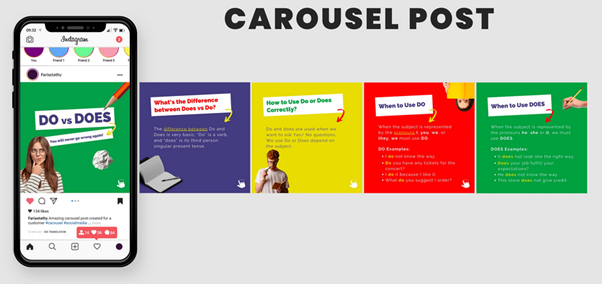
LinkedIn carousels are multi-page PDF documents or image-based posts that allow users to swipe through different slides directly on their LinkedIn feed. They offer a compelling way to share detailed information in bite-sized, visual formats, perfect for storytelling, tutorials, case studies, listicles, or how-to guides.
Carousels stand out because they encourage interaction (swipes, clicks, saves), which signals value to the algorithm, resulting in more organic reach.
What is a LinkedIn Carousel Ad?
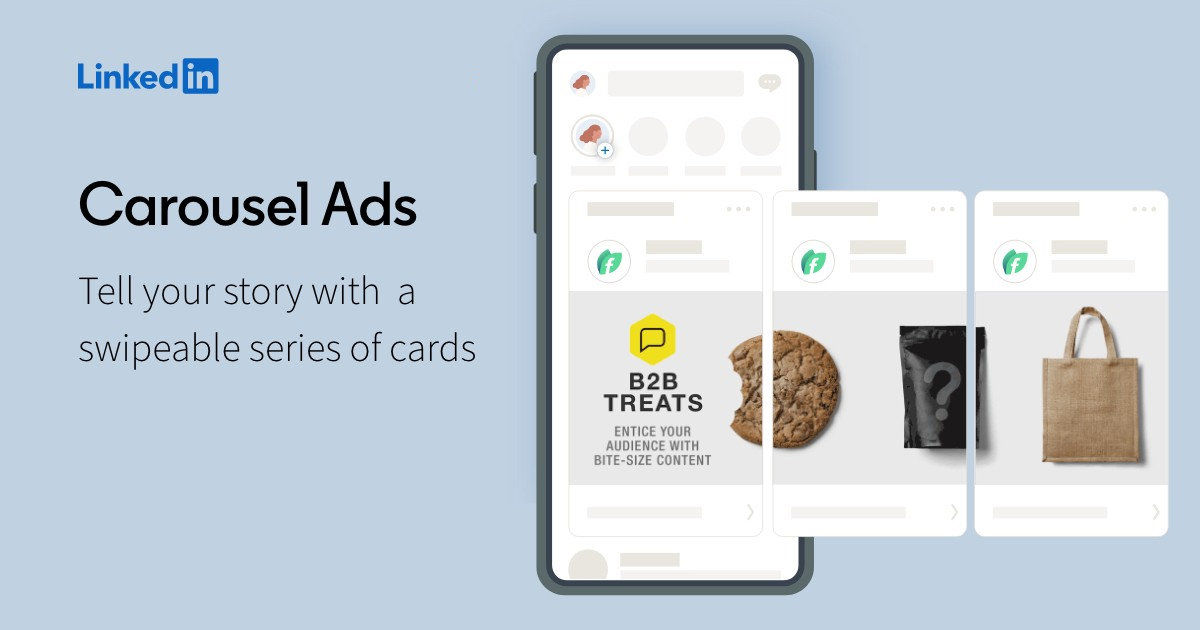
LinkedIn carousel ads are a form of paid promotion that allows advertisers to share a series of swipeable images or videos to tell a story or showcase multiple products/services. These appear in the LinkedIn feed and can include clickable CTAs on each card.
While the design format is similar to organic carousels, carousel ads include advanced targeting, A/B testing, and performance analytics to optimize ad spend.
Why LinkedIn Carousels?
In the sea of text-based posts and quick videos, carousels offer a middle ground: they’re visual yet informative, scroll-stopping but value-driven. According to LinkedIn, creators who consistently post carousel-style content report an average of 35% increase in profile visits and 25% more follower growth.
Why they work:
- Swipeable design keeps users engaged longer
- Storytelling format enhances message retention
- Easier to repurpose across platforms (Instagram, Threads, SlideShare)
LinkedIn Carousel Format & Best Size Recommendations
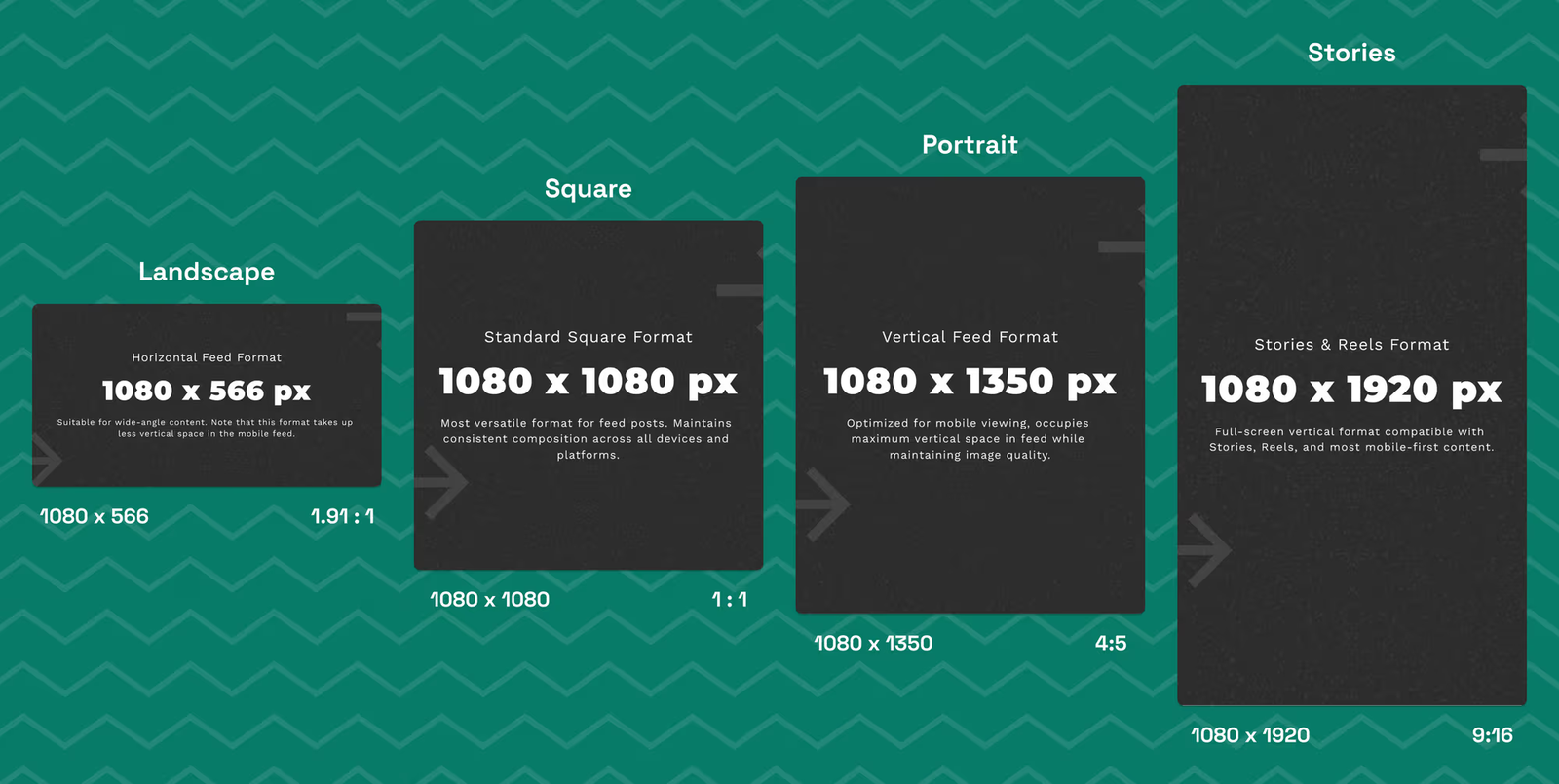
LinkedIn Carousel PDF Sizes & Specs:
- File format: PPT, PPTX, DOC, DOCX, PDF
- Max page count: 300
- Max file size: 100MB
- Recommended layout: A4 or US Letter (Landscape)
LinkedIn Carousel Ad Specs:
- File types: JPG, PNG, GIF (static only)
- Aspect ratio: 1:1 (square)
- Dimensions: 1080 x 1080 pixels
- Max file size: 10MB/image
- Cards per ad: 2 to 10
For optimal visibility, maintain consistent design, font, and colors across slides.
What Can You Use LinkedIn Carousels For?
You can use carousels to:
- Share tips or educational content
- Showcase before/after case studies
- Explain frameworks or workflows
- Highlight key stats or research
- Promote your products/services with storytelling
- Feature testimonials or user-generated content
- Provide behind-the-scenes or “day in the life” content
They’re highly adaptable and perfect for establishing authority, building trust, and driving action.
LinkedIn Carousel Quick Strategy 2026 (6 Proven Ways)
To create a carousel that performs:
Decide the topic and plan ahead
Start with your audience’s pain points. Brainstorm carousel topics that educate, entertain, or inspire.
Start with a strong first slide
Use bold text, an intriguing question, or a promise like “10 Tips You Wish You Knew Before…”
Build momentum
Use storytelling techniques or listicle formats. Slide 2-5 should maintain interest and tease what’s coming next.
Keep the design visually consistent
Stick to your brand fonts, colors, and alignment. Use the same layout for each slide for coherence.
Add social proof or real data
Quote testimonials, show metrics, or add screenshots.
Close with clear next steps
Prompt the reader to comment, share, or check your bio link. Make it obvious and action-oriented.
4 Easy Steps to Create a LinkedIn Carousel Post (Step-by-Step Guide)
Step 1: Content Ideation & Brainstorming
Use ChatGPT, Google Trends, or AnswerThePublic to find questions your audience is asking. Turn each question into a carousel topic.
Step 2: Generate Content with ChatGPT
Use AI tools to create outlines or content drafts. Ask ChatGPT: “Write 10 tips on LinkedIn carousel strategies.” Edit and personalize the response.
Step 3: Design Your Carousel in Canva
Use landscape (1920x1080px) or square (1080x1080px) templates. Add visuals, infographics, and text overlays. Keep fonts large and readable.
Step 4: Upload to LinkedIn
Export your design as a PDF for LinkedIn carousels or JPGs for LinkedIn Ads. Write a strong caption with a hook + CTA.
The Content Creation Process for a Week of Carousels
Let’s break down a 7-day content creation plan to ensure consistent visibility and engagement:
Day 1: Value-Packed Tutorial
Share a step-by-step guide. For example, “5 Steps to Create an Effective Lead Magnet.” Add visuals or checklists.
Day 2: Industry Insight or Trends
Pick a current trend in your industry. Break down what it means and how it affects your audience. Example: “AI and the Future of B2B Marketing.”
Day 3: Personal Story or Behind-the-Scenes
Humanize your brand. Share a lesson you’ve learned, your workflow, or a challenge overcome.
Day 4: Data-Driven Content or Case Study
Present a real-world result. For example, “How We Increased Conversion by 46% with 3 Email Tweaks.” Use charts or graphics.
Day 5: Myth-Busting Post
Bust 3–5 common myths your audience believes. This positions you as a thought leader.
Day 6: Repurposed Content
Turn a blog, podcast, or YouTube video into a carousel. Highlight the main takeaways.
Day 7: Community-Focused Post
Ask a question, run a poll, or highlight community feedback to drive conversations.
4 Best Practices for Creating Engaging LinkedIn Carousels (Backed by Experts)
1. Use a Clear Visual Hierarchy – Ann Handley (MarketingProfs)
Use headlines, subheadings, and icons to guide the eye. Avoid clutter.

2. Focus on Storytelling Over Promotion – Joe Pulizzi (Content Marketing Institute)
Value-first content always wins. Talk to your audience like a peer, not a salesperson.

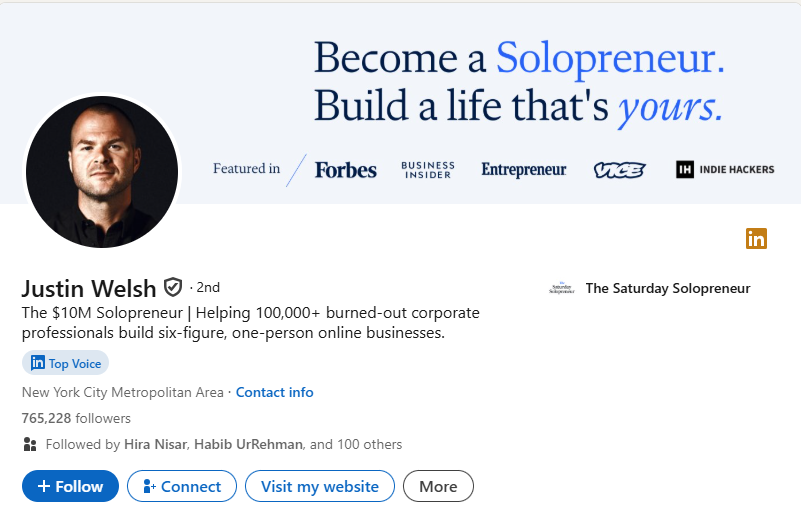
3. Make the First Slide Do the Heavy Lifting – Justin Welsh (LinkedIn Influencer)
Justin’s posts consistently hit 500k+ views. His secret? A powerful first slide with clarity and curiosity.
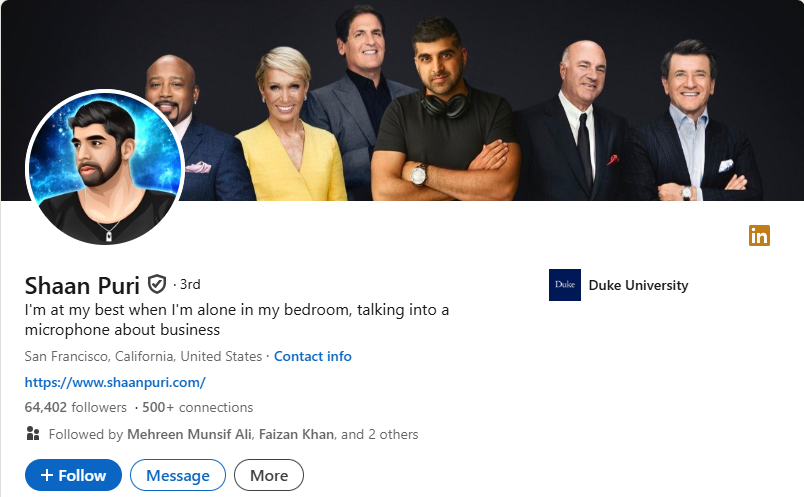
4. Deliver Digestible, Actionable Value – Shaan Puri (Entrepreneur/Podcaster)
Break your message into tiny pieces of value. People swipe when they expect the next slide to reward them.
How to Measure the Performance of Carousel Posts
Use LinkedIn analytics to track impressions, CTR, saves, and comments. High swipe-through rates and save counts indicate strong content.
Pro Tip: Add UTMs to links in your final slide (if using a carousel ad) to measure outbound performance.
Final Thoughts: Create LinkedIn Carousels That Convert
Carousel content isn’t just another trend. It’s a proven way to build thought leadership, boost brand visibility, and drive action on LinkedIn. With the right design, strategy, and posting cadence, your next carousel could easily reach thousands organically.
Need help designing scroll-stopping carousels for your LinkedIn or B2B brand? Let’s create visuals that drive results. Reach out to us today!
FAQs
Q1. How to boost carousel posts on LinkedIn?
Engage quickly in the first hour, tag relevant people, and end with a CTA. Share it via DMs or comments to start traction.
Q2. Do carousel posts do well on LinkedIn?
Yes. They outperform static images and text-only posts in both reach and engagement.
Q3. How to make a good LinkedIn carousel?
Focus on storytelling, clean visuals, and a hook that encourages swiping.
Q4. How to make a LinkedIn carousel post in 2025?
Use Canva to design a 5 – 10 slide PDF. Upload it as a document post with a caption and hashtags.
Q5. Can I use AI to make LinkedIn carousels?
Yes, AI tools like ChatGPT, Canva Magic Write, and Copy.ai can help ideate, script, and design slides.
Q6. How many slides should a carousel have?
Aim for 6 – 10 slides for maximum engagement without fatigue.
Q7. What’s the best time to post carousels?
Tuesday – Thursday between 8AM – 11AM (your audience’s local time).
Q8. Should I use hashtags in carousels?
Yes. Use 3–5 relevant, niche hashtags in the caption, not the slides.