
Struggling with content ideas? You’re not alone!
Studies show that 60% of marketers find it challenging to create engaging content consistently. Whether you’re a content marketer, blogger, or business owner, coming up with fresh ideas can feel overwhelming.
Fortunately, content ideation tools can help! These tools streamline brainstorming, planning, and execution, ensuring your content remains engaging and high-quality. In this guide, we explore the best content ideation tools for 2026 across writing, design, research, and video creation. Content creation fuels digital marketing, engaging audiences, building brands, and increasing sales!
What Is Content Creation?
Content creation refers to the process of generating topic ideas, producing written, visual, or audio content, and distributing it through different platforms such as blogs, social media, and websites. It involves research, creativity, and strategic planning to engage and educate the target audience.
Quality content not only attracts users but also improves search engine rankings, helping businesses establish authority in their industry. Whether it’s blog posts, infographics, videos, or social media updates, content creation plays a crucial role in digital marketing.
How Can Content Creation Tools Transform Your Workflow?
Content creation tools are software applications designed to assist marketers, writers, and designers in generating, editing, and optimizing content efficiently. These tools enhance workflow, improve content quality, and make the process of content creation more manageable.
Some content creation tools focus on writing and editing, while others help with graphic design, research, SEO, and content planning. The right combination of these tools can help streamline the content creation process and maximize engagement.
The Benefits Of Content Creation Tools
According to HubSpot’s 2024 Content Marketing Report, 82% of marketers say that investing in content tools has significantly improved their workflow and efficiency. Let’s explore how content creation tools in 2026 can help content marketers:
1. Time-Saving
Content creation tools automate various tasks like proofreading, keyword research, and design, reducing the time required to create high-quality content.
2. Increased Efficiency and Productivity
These tools help in organizing tasks, improving collaboration, and speeding up the content development process, allowing teams to produce more content in less time.
3. Cost-Saving
Many content tools offer free or budget-friendly versions, helping businesses reduce expenses related to hiring professionals or purchasing expensive software.
4. Enhanced Content Quality
From grammar checkers to AI-driven writing assistants, these tools ensure content is error-free, engaging, and optimized for the target audience.
5. Improved SEO Performance
SEO tools for content marketers help optimize content for search engines, increasing visibility and driving organic traffic to websites.
Best Content Ideation Tools To Use In 2026
1. Content Writing & Editing Tools
ChatGPT
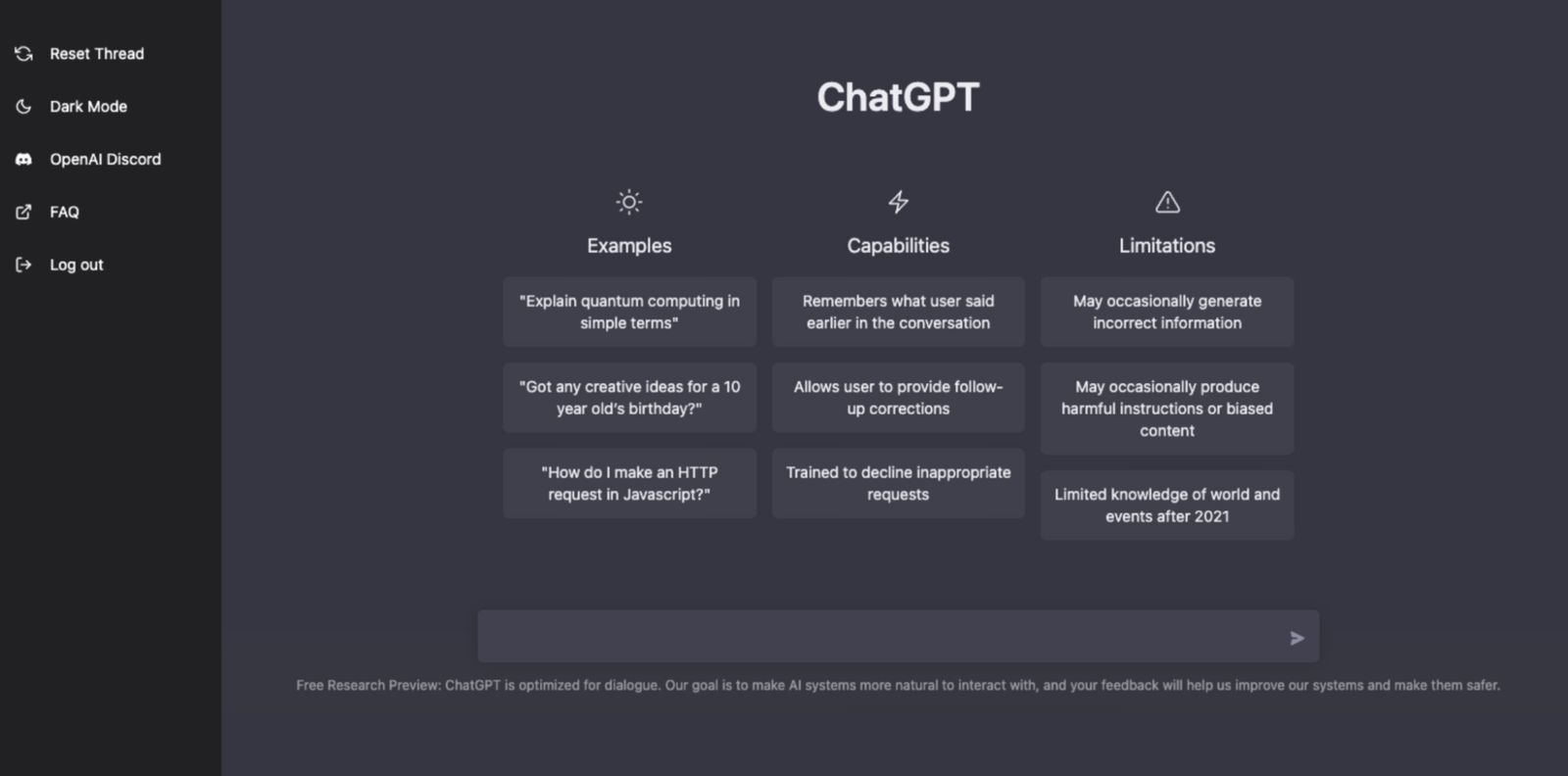
ChatGPT is an AI-powered writing assistant developed by OpenAI that helps users generate human-like text for blogs, emails, marketing copy, and more. It provides suggestions, generates ideas, and assists in drafting high-quality content in minutes.
Key Features:
- AI-generated text for blogs, emails, and marketing content
- Ability to refine and rewrite content for better clarity
- Offers creative brainstorming and idea generation
- Supports multiple languages
- Easily integrates with various applications
Pricing:
- Free version available
- ChatGPT Plus: $20/month for access to GPT-4
Pros:
- Saves time by generating content quickly
- Great for overcoming writer’s block
- Free version available with a premium upgrade option
Cons:
- Lacks human creativity and emotional depth
- Requires manual fact-checking
Jasper.ai
Jasper.ai is an advanced AI content writing tool that helps marketers and businesses create engaging and optimized content for various platforms.

Key Features:
- AI-generated blog posts, ads, and social media content
- SEO optimization for better search rankings
- Over 50 content templates for different use cases
- Integration with SurferSEO for keyword optimization
Pricing:
- Starter Plan: $29/month
- Boss Mode: $59/month
Pros:
- Speeds up content production
- Helps create engaging and high-converting content
- Easy-to-use templates for beginners
Cons:
- Expensive for small businesses
- AI-generated content may require human refinement
Grammarly
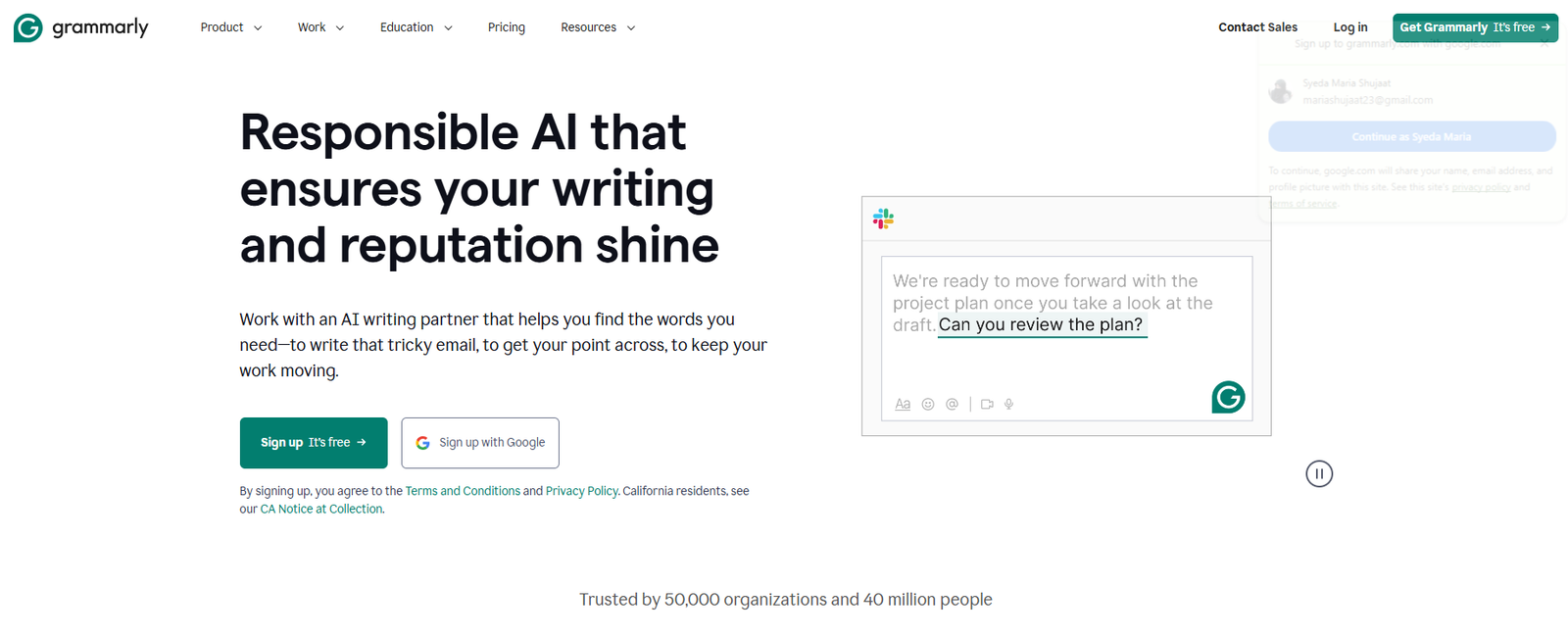
Grammarly is a grammar-checking and writing enhancement tool that ensures clear and error-free writing.
Key Features:
- Advanced grammar and spell-checking
- Tone and style suggestions
- Plagiarism checker (premium feature)
- Integrations with Google Docs and MS Word
Pricing:
- Free basic version
- Premium: $12/month
Pros:
- Improves writing accuracy
- Enhances readability and clarity
- Free version available with basic features
Cons:
- Premium version is costly
- Not always accurate with complex grammar suggestions
Quillbot
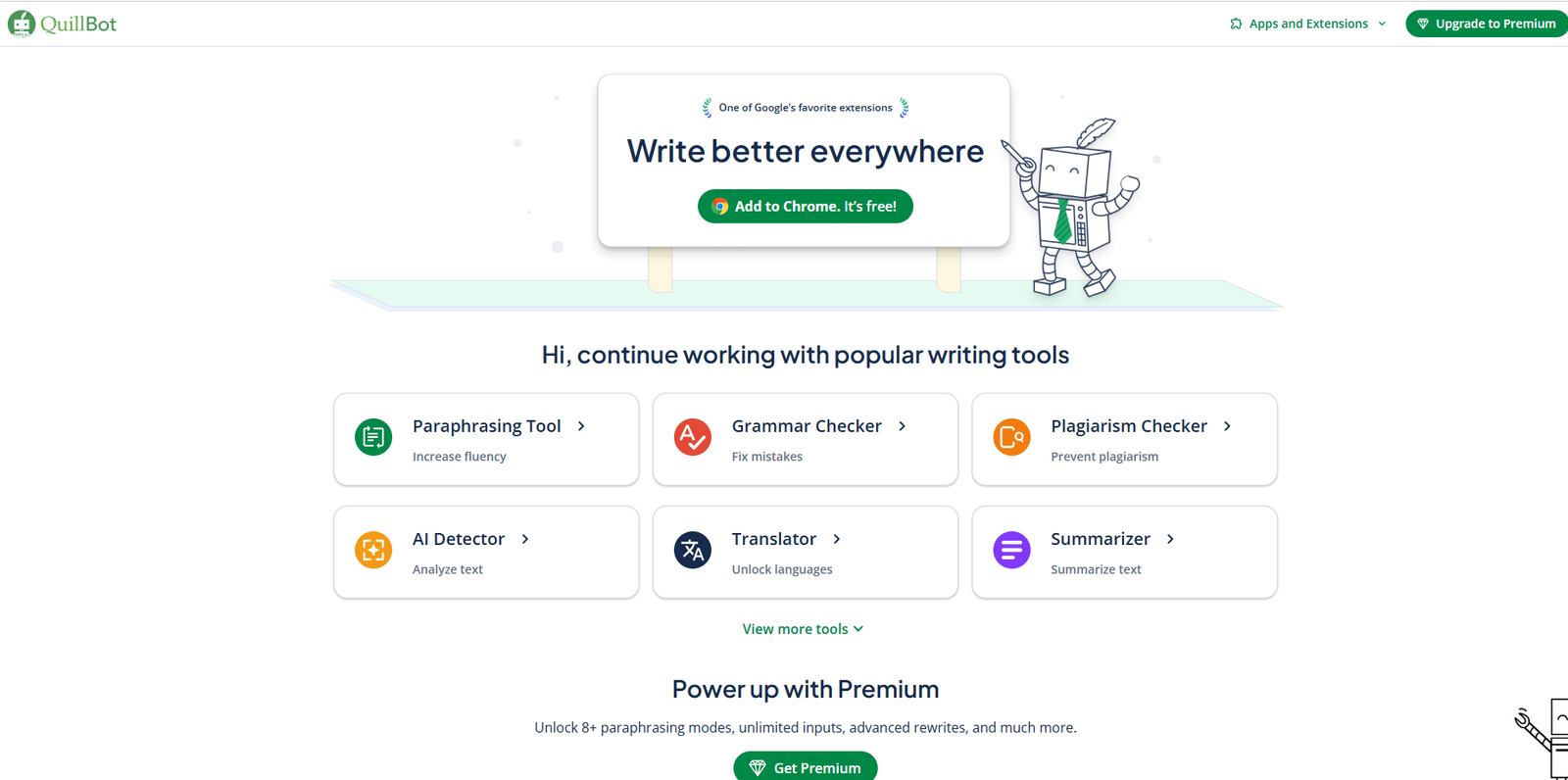
Quillbot is a paraphrasing and writing enhancement tool that helps users rewrite text while maintaining its original meaning.
Key Features:
- AI-powered paraphrasing tool
- Grammar and spell-checking
- Summarization tool for lengthy texts
- Different writing modes for varying styles
Pricing:
- Free
- $9.95/month
Pros:
- Helps improve content originality
- Provides quick rewriting options
- Free plan available with limited features
Cons:
- Limited functionality in the free version
- Can sometimes change intended meaning
Enhance Your Writing & Grammar Assistance
These tools help improve your content quality, ensuring clarity, grammar, and SEO optimization.
| Tools | Best for | Price | Pros | Cons |
| ChatGPT | Blog & social media writing | Free / $20 per month | AI-powered, fast idea generation | Needs human refinement |
| Jasper.ai | SEO-optimized content | $29 per month | AI templates, integrates with SEO tools | Costly for small businesses |
| Grammarly | Grammar & clarity | Free / $12 per month | Real-time grammar check, integrations | Advanced features in premium |
| Quillbot | Paraphrasing & rewriting | Free / $9.95 per month | AI rewriting, summarization | Can alter intended meaning |
2. Graphic Design Tools
Canva
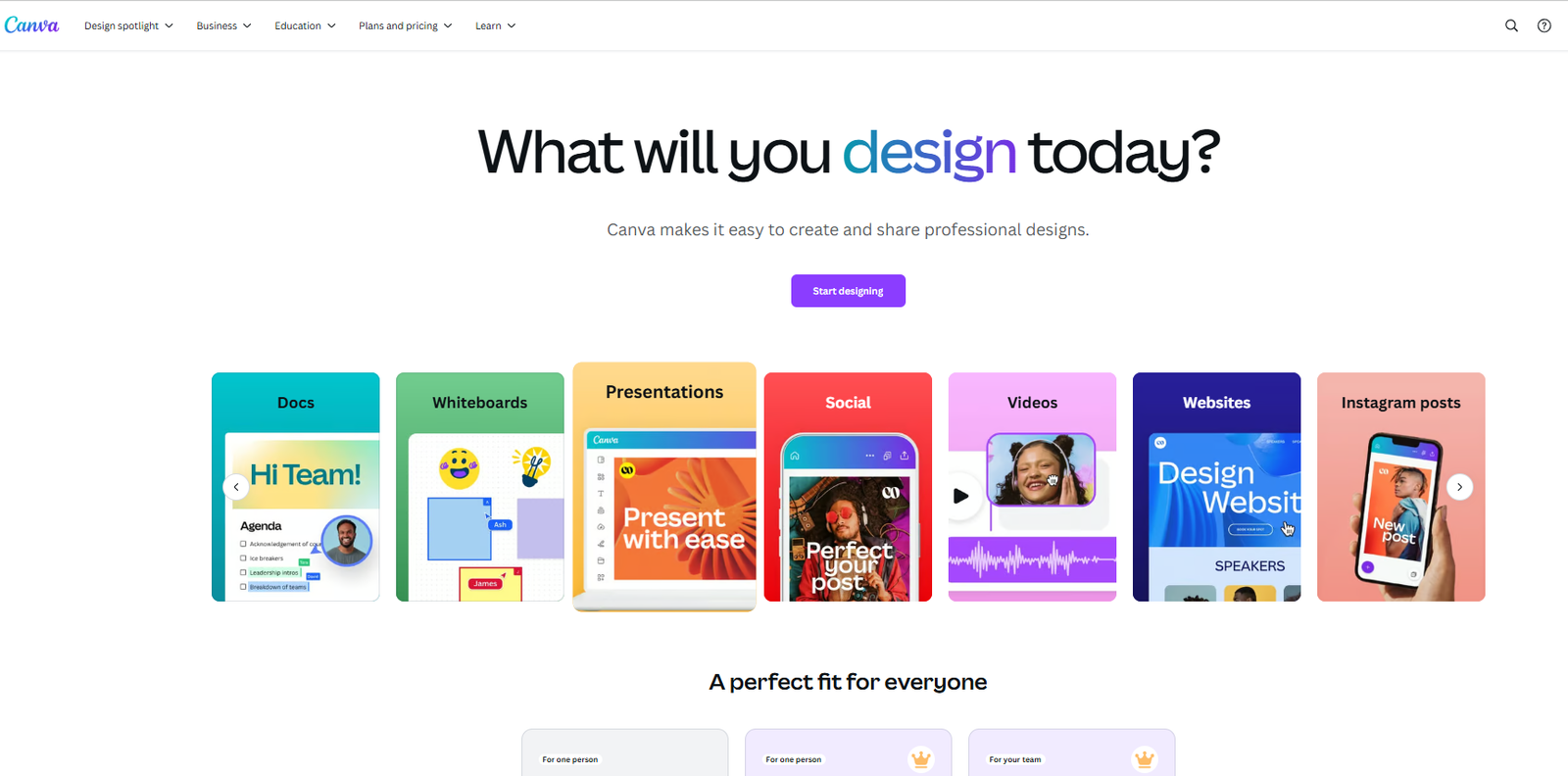
Canva is a user-friendly graphic design tool that allows users to create visuals, social media posts, infographics, and more.
Key Features:
- Drag-and-drop editor
- Thousands of free templates
- Stock photos and icons included
- Collaboration tools for teams
Pricing:
- Free version available
- Canva Pro: $12.99/month
Pros:
- Easy to use, even for beginners
- Free version with many features
- Cloud-based, accessible from anywhere
Cons:
- Limited design flexibility compared to professional tools
- Premium version required for advanced features
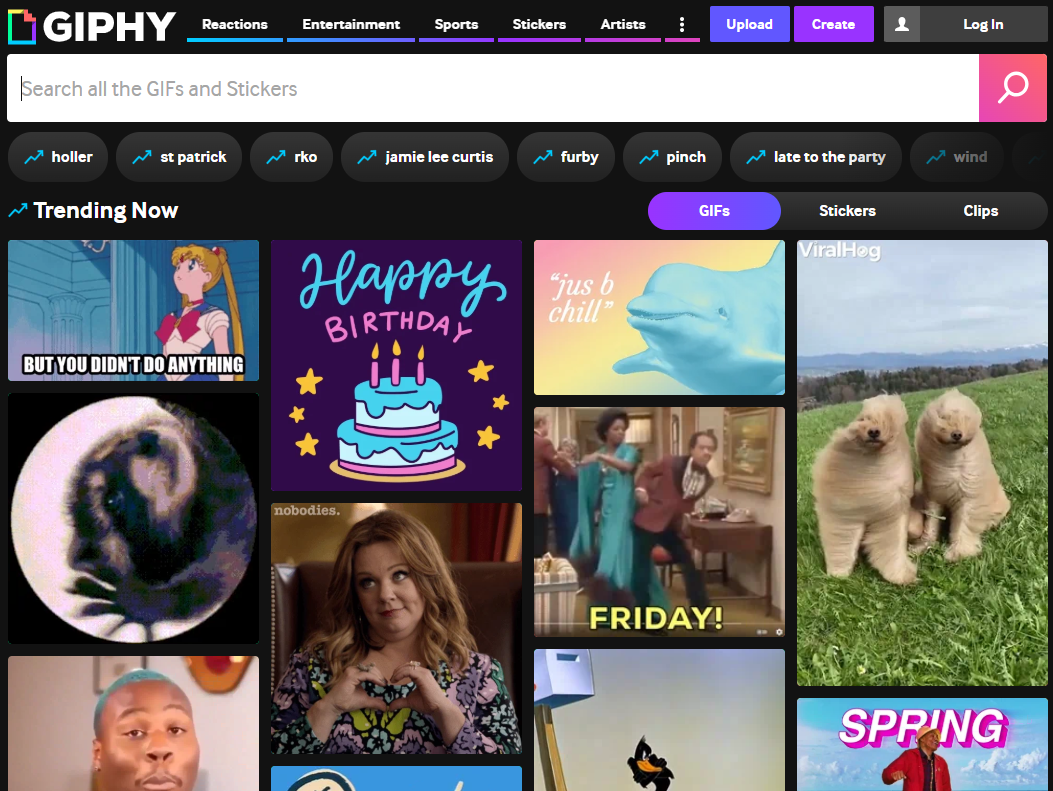
Giphy
Giphy is a platform that allows users to create and find GIFs to enhance digital content.
Key Features:
- Massive library of GIFs and stickers
- Custom GIF creation tool
- Easy integration with social media
Pricing:
- Free
Pros:
- Fun and engaging content
- Free to use
- Boosts social media engagement
Cons:
- Limited customization options
- Not suitable for all industries
Simplify Your Visual Content Creation
Whether you need professional graphics or engaging GIFs, these tools help enhance your visual content with ease.
| Features | Canva | Giphy |
| Best For | Graphic design & content creation | GIF creation & sharing |
| Pricing | Free / $12.99 per month | Free |
| Pros | Easy to use, free version available, cloud-based | Fun & engaging, free, boosts social media engagement |
| Cons | Limited flexibility, premium required for advanced features | Limited customization, not suitable for all industries |
3. Research & SEO Tools
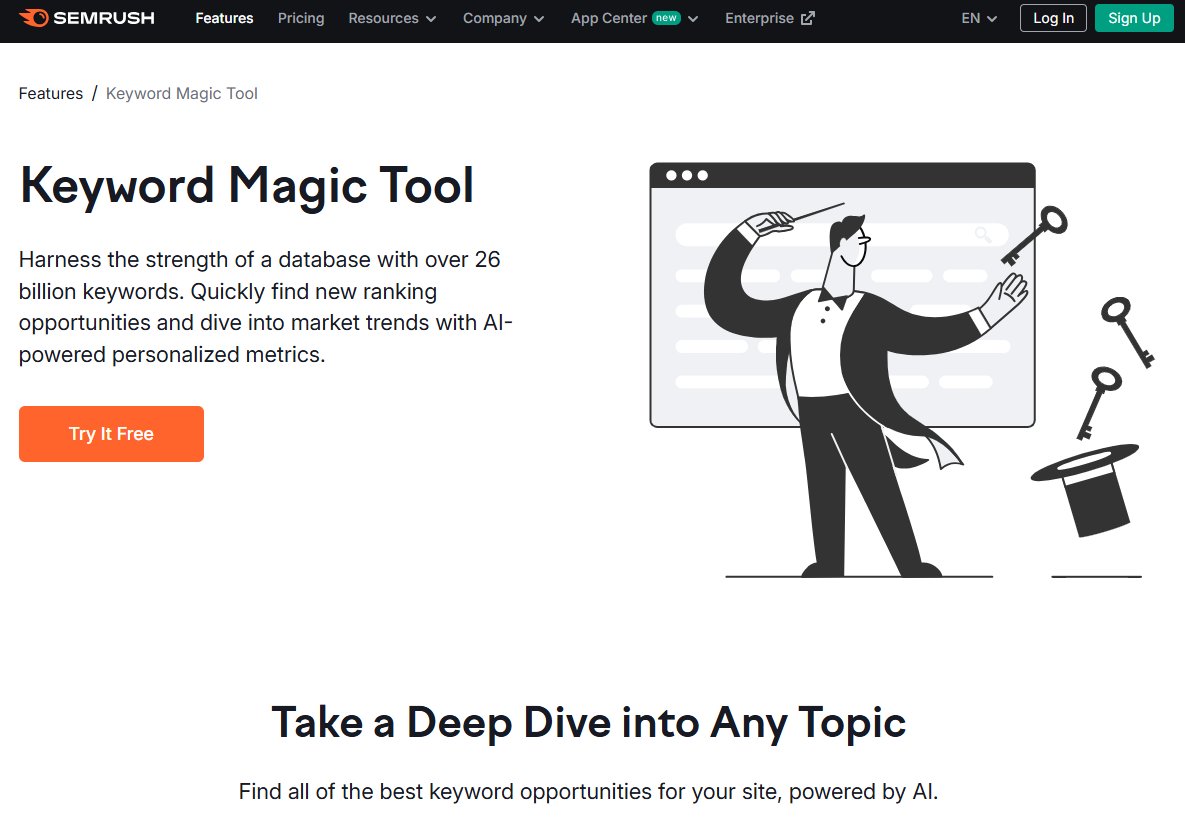
SEMRush Keyword Magic Tool
A keyword research tool that provides thousands of keyword ideas to improve SEO strategies.
Key Features:
- Generates keyword suggestions based on search trends
- Provides keyword difficulty analysis
- Helps with PPC campaign keyword research
Pricing:
- Pro: $119.95/month
Pros:
- Excellent for SEO professionals
- Comprehensive keyword research capabilities
Cons:
- High pricing for beginners
- Requires SEO knowledge to maximize benefits
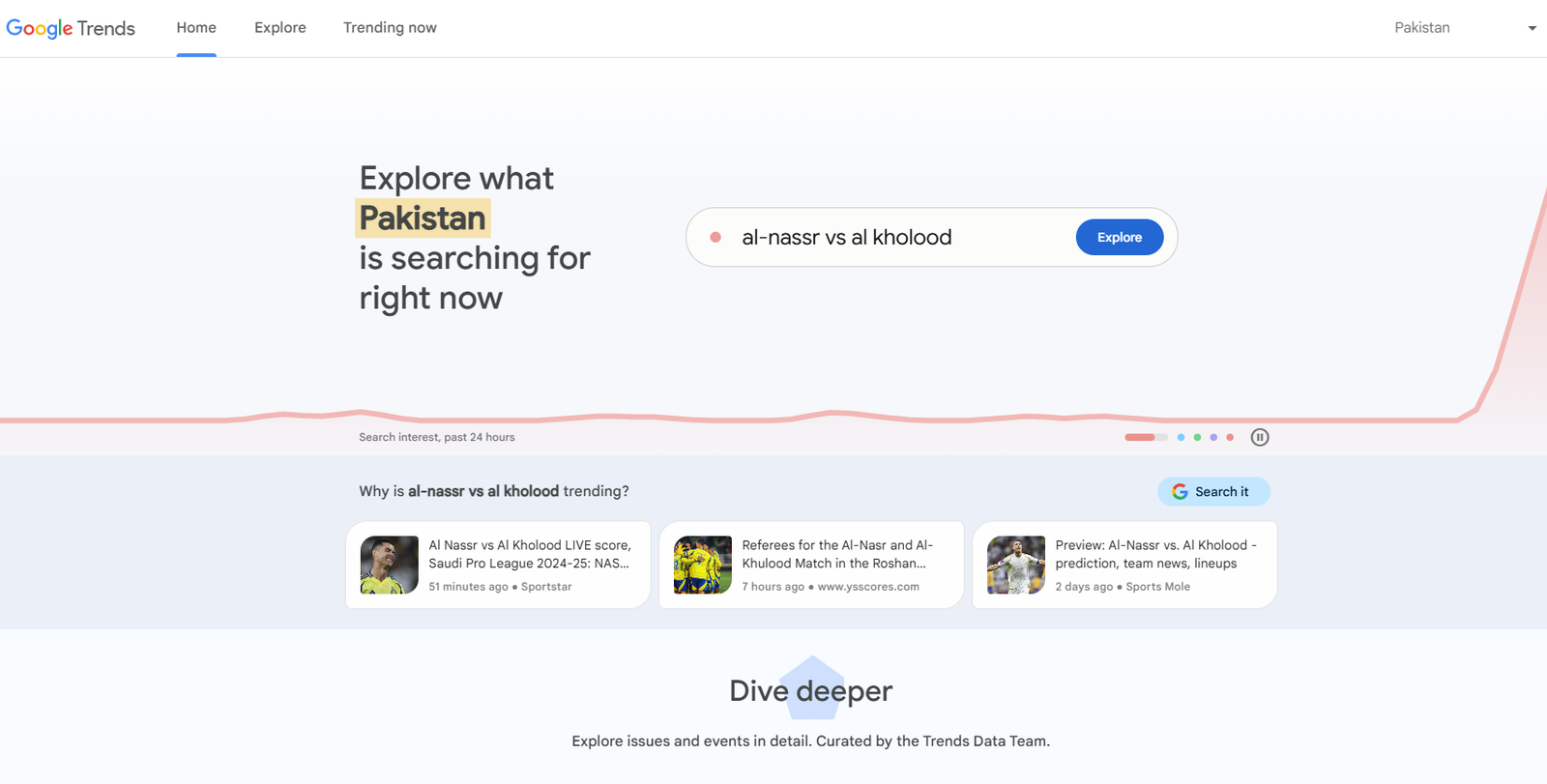
Google Trends
A tool that analyzes search trends to help marketers find relevant topics.
Key Features:
- Tracks search volume trends over time
- Compares keyword popularity
Pricing:
- Free
Pros:
- Free and easy to use
- Helps identify trending topics
Cons:
- Lacks in-depth keyword analysis
Optimize Your Content For Better Visibility
Boost your SEO strategy with these tools, helping you find trending topics and the right keywords.
| Features | SEMRush Keyword Magic Tool | Google Trends |
| Best For | Keyword research for SEO & PPC | Analyzing search trends |
| Pricing | Free / $119.95 per month | Free |
| Pros | Comprehensive keyword research, great for SEO professionals | Easy to use, helps identify trends |
| Cons | Expensive for beginners, requires SEO knowledge | Lacks detailed keyword analysis |
4. Video Creation Tools
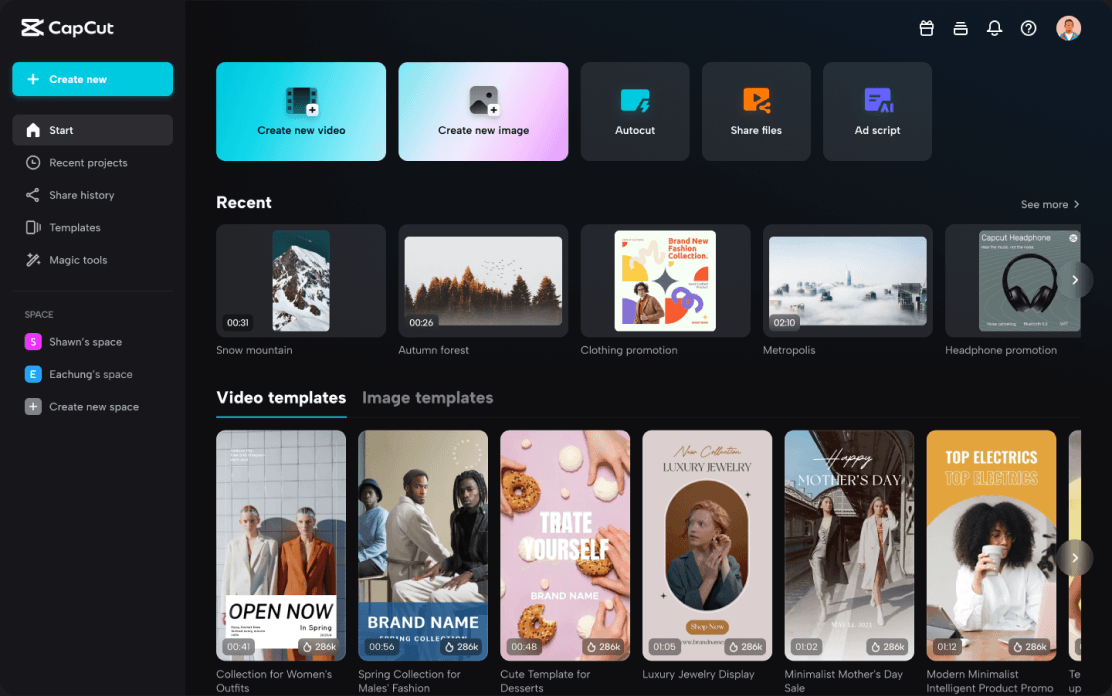
CapCut
CapCut is a video editing tool designed for quick and professional edits, commonly used for social media content.
Key Features:
- Drag-and-drop functionality.
- Smart features like auto-captioning, background removal, and facial beauty effects.
- Supports HD and 4K video resolution
- Includes transitions, filters, stickers, and animations.
- Access to a vast collection of royalty-free music and sound effects.
- Enables users to edit multiple video tracks simultaneously
Pricing:
- Free version available
- CapCut Pro: $7.99/month
Pros:
- User-friendly
- Free version includes many useful features.
- Mobile and desktop versions available.
Cons:
- Some advanced features are paid
- Can be resource-intensive
Veed.io
Veed.io is an online video editing tool offering AI-powered features for content creators.
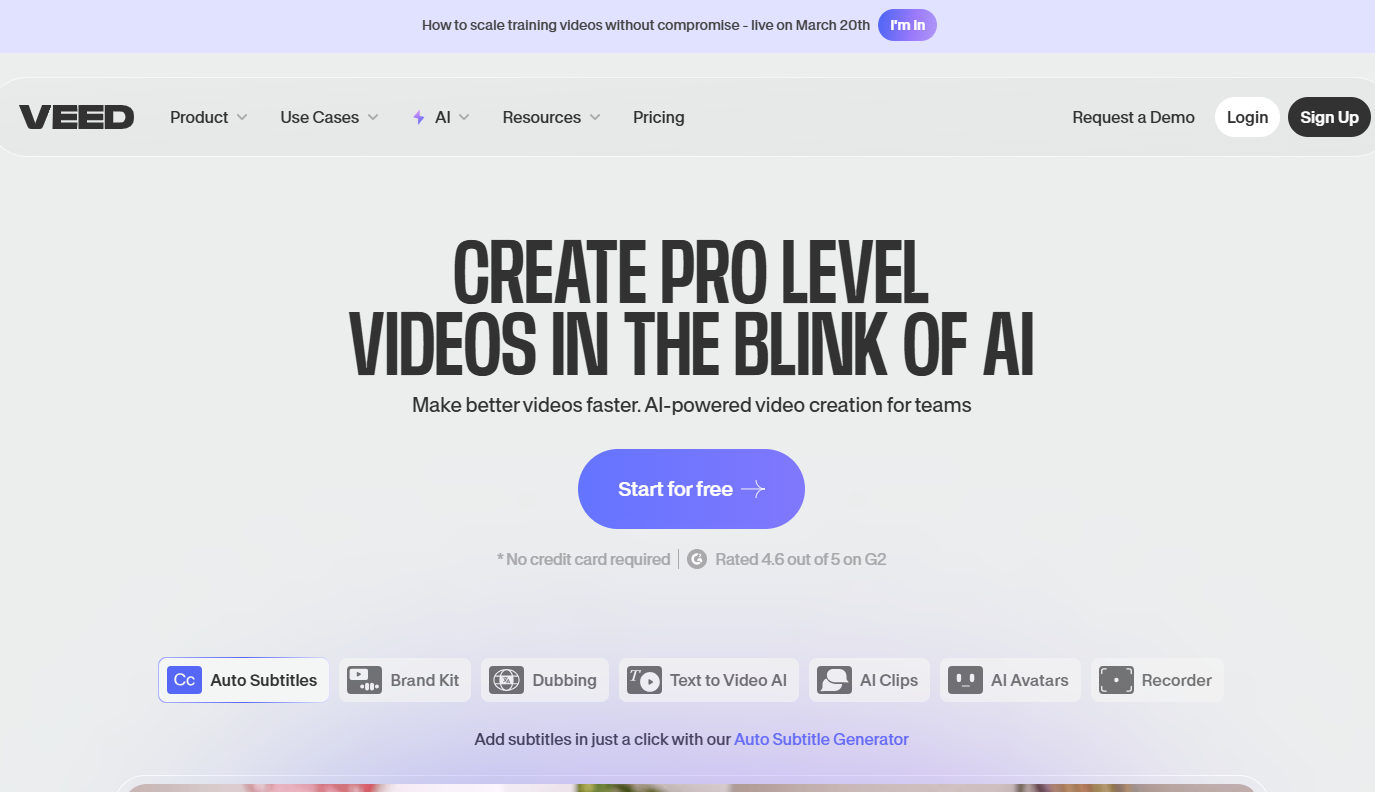
Key Features:
- Edit videos directly in the browser.
- Automatically generate subtitles and translate them into multiple languages.
- Maintain brand consistency with custom fonts, logos, and colors.
- Ideal for tutorials, presentations, and vlogs.
- Includes background noise removal and audio editing tools.
- Resize videos for platforms like YouTube, Instagram, and TikTok.
Pricing:
- Free version available
- Pro: $24/month
Pros:
- User-friendly, even for non-editors.
- Cloud-based, accessible from any device.
- AI-powered tools save time in editing and captioning.
Cons:
- Free version has watermarks.
- Requires an internet connection for editing
Edit and Enhance Videos with Ease
Create high-quality videos effortlessly with these user-friendly and feature-rich tools.
| Features | CapCut | Veed.io |
| Best For | Quick & professional video editing | Online video editing with AI features |
| Pricing | Free / $7.99 per month | Free / $24 per month |
| Pros | User-friendly, free version has many features, mobile & desktop support | Easy for beginners, AI-powered tools, cloud-based access |
| Cons | Some features require payment, resource-intensive | Requires Internet connection for editing, have watermarks |
Create Content More Easily With The Right Tools
Effective content creation software boosts productivity and helps you craft engaging content that will keep your audience satisfied.
But, before you start creating content, you need to make sure you’re targeting the right keywords.
This is where the Keyword Magic Tool can help. It can generate relevant keyword ideas for you in seconds, saving you hours of manual research.
Conclusion
Content creation tools simplify brainstorming, writing, designing, and optimizing content. By leveraging these tools, businesses and creators can improve efficiency, maintain consistency, and maximize engagement.
Ready to streamline your content strategy? Start by trying ChatGPT for content ideas, Canva for design, and SEMRush for SEO! Let us know in the comments which tool is your favorite!
FAQs
What is the best tool for generating content ideas?
Ans. ChatGPT and SEMRush Keyword Magic Tool are excellent for brainstorming and keyword research.
How do content ideation tools improve content marketing?
Ans. They help automate tasks, optimize content, and enhance efficiency.
Which AI content creation tool is best for beginners?
Ans: ChatGPT and Canva are user-friendly and ideal for beginners.
Can I use free content creation tools for professional work?
Ans: Yes! Many free tools like Grammarly, Canva, and Google Trends offer powerful features for professionals
Are free content creation tools effective?
Ans. Yes, tools like Canva, Giphy, and Google Trends offer free versions with useful features.
What are the best SEO tools for content creators?
Ans. SEMRush and Google Trends provide in-depth keyword analysis.
How can I create engaging visual content?
Ans. Using tools like Canva and Giphy can help you design eye-catching graphics and GIFs that boost audience engagement.
Can AI writing tools replace human writers?
Ans. No, they assist in content generation but still require human oversight.
What are the top content planning tools?
Though not included in this guide, Trello and Notion are widely used for content planning and organization.