
LinkedIn is no longer just a platform for job seekers. It has evolved into one of the most powerful professional networking and content-sharing platforms in the world. As of 2026, LinkedIn boasts over 1 billion members globally, with more than 65 million decision-makers actively engaging with content on the platform. According to LinkedIn’s internal reports, content impressions are 15x higher than job postings, showing that the platform thrives on storytelling, insights, and professional discussions.
But here’s the challenge: with so many creators and businesses posting daily, how do you stand out and actually go viral without relying on paid ads or mere luck? Going viral on LinkedIn is less about chance and more about strategy. By understanding the algorithm, crafting the right content, and engaging your audience effectively, you can amplify your visibility and influence.
In this blog, we’ll break down why virality on LinkedIn matters, what types of content resonate, how to master the algorithm, and actionable strategies you can implement today.
Why Go Viral on LinkedIn?
Virality on LinkedIn isn’t just about likes and shares. It’s about impact, visibility, and authority. Here are some compelling reasons:
- Brand Authority: Viral posts position you as a thought leader in your industry.
- Networking Opportunities: High visibility attracts collaboration requests, partnerships, and even speaking engagements.
- Lead Generation: According to HubSpot, 80% of B2B leads generated via social media come from LinkedIn.
- Career Growth: Professionals with viral content often receive job offers or consulting opportunities.
Simply put, going viral on LinkedIn builds credibility and opens doors to growth that paid ads can’t always guarantee.
What Types of Content Go Viral on LinkedIn in 2026?
To understand virality, you need to know what works. Certain content formats consistently outperform others:
1. Personal Stories About Career Challenges or Wins
Authenticity sells. When you share your real experience, whether it’s overcoming career struggles, celebrating milestones, or lessons learned, you create relatability. Posts like “I failed 5 interviews before landing my dream job” often generate high engagement.
According to LinkedIn, posts with personal narratives receive 2x more engagement than purely informational ones.
2. Industry Insights with Fresh Data or Analysis
Professionals crave insights they can’t find elsewhere. Sharing unique research, trends, or new perspectives positions you as a trusted source.
Bonus Tip: Use visuals like charts or short infographics to make your data pop.
3. Tips and How-Tos Relevant to Your Audience
Practical advice works wonders. A well-structured list of tips, hacks, or strategies that solve real problems will always resonate.
4. Interactive Polls That Invite Opinions
Polls are one of LinkedIn’s most engaging formats. They invite participation and spark conversations.
Stat: LinkedIn polls see an average of 150-300% higher engagement compared to static posts.
5. Visual Content (Infographics and Native Videos)
Native videos (uploaded directly to LinkedIn) receive 5x more engagement than external links. Infographics also perform well because they simplify complex ideas into shareable visuals.
The Importance of Clarity in Viral LinkedIn Posts
Virality thrives on clarity. A confusing or cluttered post won’t spread, no matter how valuable the content is. Keep your posts short, structured, and easy to skim. Use:
- Clear hooks in the first 2 lines (since LinkedIn truncates text).
- Simple formatting like bullet points or numbered lists.
- Actionable takeaways that readers can immediately apply.
Key Point: A post that can be understood in 10 seconds has a higher chance of being shared.
5 LinkedIn Algorithm Hacks to Boost Your Content in 2026
LinkedIn’s algorithm decides which posts get more visibility. Here’s how to work with it:
Prioritize Early Engagement
Engagement within the first hour is crucial. Share your post when your audience is most active (usually mornings mid-week). Encourage comments by asking direct questions.
Avoid Clickbait, Stay Authentic
LinkedIn penalizes misleading headlines. Focus on value-driven, authentic content.
Encourage Conversations, Not Just Likes
The algorithm values comments more than likes. End posts with open-ended questions to spark discussions.
Post Consistently
Creators who post 2-3 times per week see significantly higher reach. Consistency builds trust and keeps you top of mind.
Leverage Dwell Time
LinkedIn measures how long users spend on your post. Longer, engaging posts that keep readers hooked get boosted in feeds.
Bonus Tip: Reply quickly to every comment on your post. It doubles your engagement rate.
Step-by-Step Viral LinkedIn Post Strategy
If you want to go viral on LinkedIn without relying on luck or ads, you need more than random posting. You need a structured approach. Below is a step-by-step framework explained in detail:
1. Craft a Captivating Hook
Your first 2–3 lines decide whether people scroll past or stop. Use curiosity, bold statements, or pain points to grab attention.
Example: “I almost quit my career last year, until one thing changed everything.”
The goal is to stop the scroll by addressing pain points, emotions, or trending conversations.
2. Tell a Relatable Story
LinkedIn thrives on authenticity. Sharing personal experiences, whether it’s a failure, a breakthrough, or a behind-the-scenes moment, makes your content human.
For example, instead of saying “I increased engagement by 300%,” share how you struggled with poor reach for months, experimented with formats, and finally found a winning strategy. This relatability makes your post more memorable and shareable.
3. Drop the Value Bomb
Every viral post has one thing in common: it provides value. After hooking your audience and telling your story, drop actionable advice, a framework, or insights that readers can apply immediately.
For instance, if you’re writing about productivity, share a step-by-step hack that people can use today. The stronger the “aha moment” the more likely people save, share, or engage with your post.
4. Include a Strong Call to Action (CTA)
Don’t leave your readers hanging. Guide them on what to do next. A strong CTA can be as simple as “What’s your experience with this?” to spark comments or “Tag someone who needs to read this” to expand your reach.
Avoid generic “like and share” requests. Instead, align your CTA with your goal: engagement, discussion, or visibility. Remember, LinkedIn’s algorithm rewards comments and meaningful interactions over passive likes.
5. Use Native LinkedIn Features
Carousels, polls, and videos perform better than external links. Repurpose blogs or insights into native formats to boost visibility while keeping audiences on LinkedIn. This maximizes visibility while still delivering your content’s key points.
6. Optimize Post Timing
Timing can make or break your LinkedIn reach.
The best posting windows are usually mornings (Tuesday to Thursday, between 8–10 AM) when professionals are most active. However, experiment with your audience’s behavior, your analytics will reveal when your followers engage most.
Consistency is equally important: posting at least 2–3 times a week helps the algorithm recognize you as an active creator and rewards you with better visibility.
7. Use Relevant Hashtags Strategically
Hashtags categorize your content and improve discoverability. However, using too many can dilute your reach.
Stick to 3–5 relevant hashtags per post. A smart mix includes one broad hashtag (#LinkedInGrowth), one niche hashtag (#B2BMarketingTips), and one branded or community hashtag. This ensures your content reaches both large audiences and targeted communities.
8. Engage Immediately After Posting
LinkedIn’s algorithm pays close attention to the first hour of engagement. That’s why your job isn’t done when you hit publish. You need to be active. Reply to every comment, spark discussions, and even DM a few trusted connections to interact with your post.
Early engagement signals to LinkedIn that your content is worth amplifying, dramatically increasing your chances of going viral.
9. Tag Influencers and Relevant Connections
Strategically tagging influencers, industry leaders, or collaborators can amplify your reach. However, only tag people if they’re directly relevant to the conversation, spam tagging reduces credibility.
For example, if you’re writing about startup funding, tagging a venture capitalist you admire can bring new eyes to your post while adding credibility. When these influencers engage, your post can quickly spread to their networks, multiplying your visibility.
Key Point: Consistency + clarity + engagement = virality.
Your LinkedIn Virality Cheat Sheet
|
Feature |
Why It Matters |
| Magnetic Hook | Captures attention in the first 2–3 lines, stopping the scroll immediately. |
| Authentic Storytelling | Builds trust and relatability, making your post human and shareable. |
| Actionable Insights | Delivers real value, ensuring readers save, share, or comment. |
| SEO-Friendly Structure | Helps your post rank in search and increases discoverability organically. |
| Engagement Triggers (CTA) | Encourages conversations, boosting algorithm signals. |
| Native LinkedIn Formats | Maximizes reach since LinkedIn rewards carousels, polls, and videos. |
| Timing & Consistency | Posting when your audience is most active ensures stronger engagement. |
| Influencer Amplification | Expands reach to new audiences through strategic tagging. |
| Skimmable Layout | Short sentences, spacing, and bullet points increase readability and shares. |
3 Real-World Examples of Viral LinkedIn Creators
1. Justin Welsh
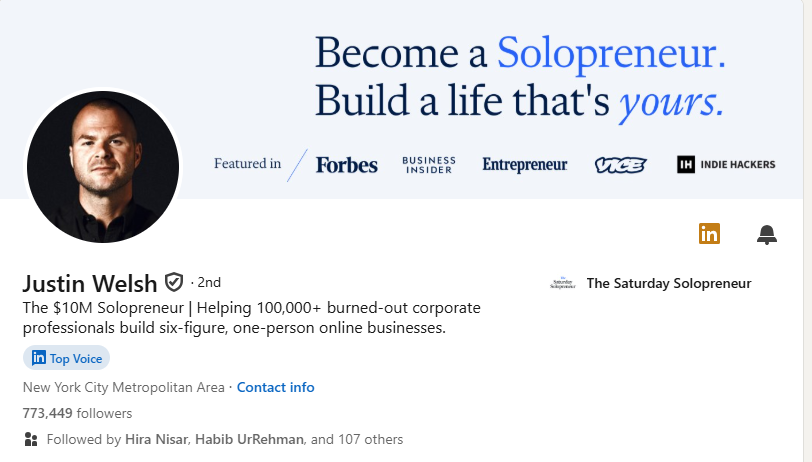
Justin is known as a LinkedIn solopreneur coach. His posts often combine storytelling with actionable tips. He regularly garners 50,000+ impressions per post by keeping his format simple and value-driven.
2. Amanda Natividad
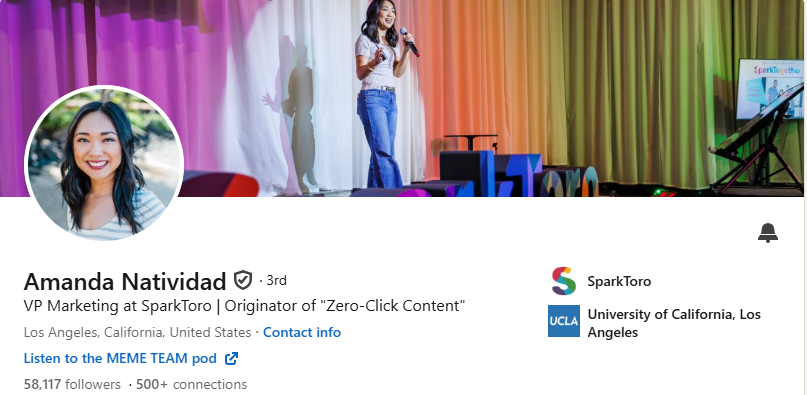
Amanda, VP of Marketing at SparkToro, uses data-driven insights mixed with personal experiences. Her posts often receive thousands of likes and hundreds of comments without spending a dime on ads.
3. Richard van der Blom
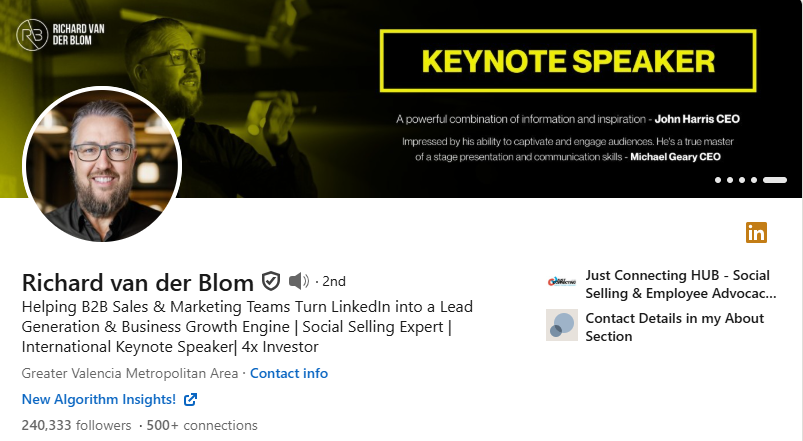
Richard, a LinkedIn algorithm expert, frequently goes viral by sharing research-backed breakdowns of LinkedIn trends. His deep insights are widely shared, proving that high-value content fuels virality.
Why Consistency Beats Virality
Not every post will go viral and that’s okay. Posting consistently builds momentum, ensuring that when you do hit a viral post, your profile is ready to convert visibility into followers and leads.
LinkedIn profiles that post consistently see a 120% increase in profile views.
Common Mistakes That Kill Virality
- Writing overly promotional content
- Using too many hashtags (looks spammy)
- Ignoring engagement after posting
- Posting only external links without adding context
Key Point: Virality dies when value is replaced with self-promotion.
Final Words: Your Next Step to Go Viral on LinkedIn
Going viral on LinkedIn doesn’t require luck or paid ads. It requires clarity, consistency, and strategy.
The professionals who consistently win on LinkedIn are not the ones chasing virality but the ones delivering authentic value and fostering genuine engagement.
Now it’s your turn. Apply the strategies above, experiment with content formats, and build your personal brand. Every viral post starts with a single click, why not yours?
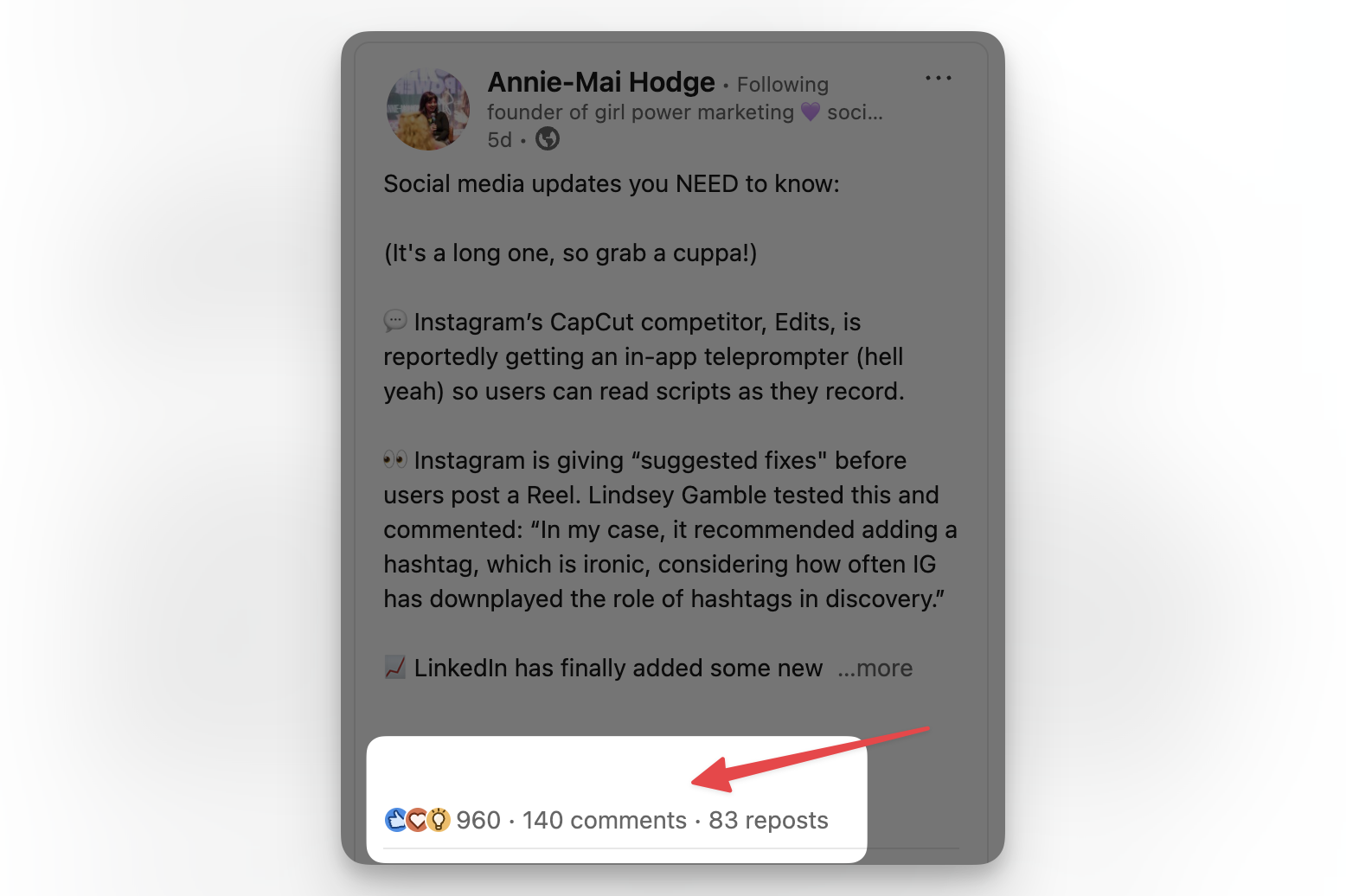
If you’re ready to master LinkedIn growth and create posts that get seen by thousands, start applying these steps today.
Want personalized LinkedIn growth strategies for your business or brand? Let’s connect!
FAQs
Can anyone go viral on LinkedIn?
Yes, with the right strategy, clarity, and consistency, even professionals with small followings can go viral.
How important are comments for virality?
Extremely important. LinkedIn weighs comments more than likes or shares.
What’s the first step in making content go viral?
Crafting a strong hook. If the first two lines don’t catch attention, readers won’t expand your post.
Do I need a huge following to go viral?
No. Many posts go viral from accounts with fewer than 5,000 followers, thanks to LinkedIn’s algorithm.
What type of visuals increase shares?
Infographics, carousels, and native videos perform best.
Can SEO help with virality?
Yes. Using keywords and hashtags improves discoverability both on LinkedIn and search engines.
How often should I post to maximize reach?
2–3 times per week is ideal for most professionals.
Should I tag people in every post?
No. Only tag when it’s contextually relevant, otherwise it looks spammy.