
AI doesn’t replace your judgment, it scales it. In 2026 the winning teams aren’t the ones who “use AI,” but the ones who teach AI how they think and wire it into day-to-day work. That’s where custom GPTs come in: small, purpose-built assistants that carry your voice, rules, and know-how into every draft, decision, and deliverable.
Why now? Because adoption is already mainstream and pressure to show ROI is real. Microsoft’s 2024 Work Trend Index found that use of generative AI nearly doubled in six months, with 75% of global knowledge workers using it. While leaders still ask how to measure impact. And the upside is massive: McKinsey estimates $2.6–$4.4T in annual value from gen-AI across use cases if we apply it with focus.
This guide shows you how to build, test, measure, and scale custom GPTs so your AI starts thinking like you reliably.
What’s a Custom GPT?
A custom GPT is a tailored version of ChatGPT configured with your instructions, files (“knowledge”), and optional tools like web browsing or API actions. You can build one in minutes using the GPT Builder and share it privately with your team or publish it in the GPT Store.
Key idea: A custom GPT is less a “chatbot” and more a repeatable process in a box. Your policies, tone, checklists, and data distilled into a dependable assistant.

Build Custom GPTs to Scale AI Adoption
AI adoption is no longer just for tech giants. It’s becoming a necessity for startups, SMBs, and even solo entrepreneurs. Yet, one of the biggest barriers to scaling AI adoption is making it accessible, easy to use, and highly relevant to specific needs. This is where custom GPTs shine. Instead of using a “one-size-fits-all” AI, businesses can create GPTs tailored to their workflow, brand tone, and industry jargon. For example, a law firm might train a GPT to draft contracts in compliance with local laws, while a fashion brand could fine-tune one for creative product descriptions. According to a 2025 McKinsey survey, 82% of companies using personalized AI assistants report faster adoption rates across teams compared to generic AI tools. By reducing the learning curve and aligning directly with user expectations, custom GPTs help scale AI adoption seamlessly.
From Prompt Challenges to Custom GPTs
Hand-typed prompts are brittle: people forget instructions, styles drift, and context gets lost. A custom GPT locks in your standard:
- Your brand voice and banned phrases
- Your compliance rules and approval gates
- Your templates, fields, and scoring rubrics
- Your knowledge base; FAQs, policies, product specs
Less variance, faster outputs, easier onboarding, and measurable performance.
How to Build Your First Custom GPT
Step 1: Start with a Clear Use Case
Pick a narrow, high-leverage job (e.g., “rewrite sales emails into our voice,” “summarize customer interviews into a theme matrix”). Define:
- Input (what users bring)
- Process (the rules/criteria)
- Output (format, fields, length, tone)
- Success metric (time saved, errors reduced, conversions improved)
Step 2: Where Champions Add Value Content
Recruit one or two process champions. The people who already do this task best. Have them provide:
- Gold-standard examples (before/after)
- Do/Don’t lists (tone, claims, compliance)
- Templates (email skeletons, brief formats)
- Edge cases (what to do when info is missing)
Load these as Knowledge and bake the rules into Instructions so the GPT mirrors the champion’s judgment.
Step 3: Write Smart Instructions
Use the Configure tab to set:
- Role & goal: “You are a senior B2B editor who…”
- Rules: brand voice, constraints, citation style, approval criteria
- Input schema: ask users for the exact fields needed (audience, offer, CTA)
- Refusal & safety: when to stop, what to escalate
Then enable only the tools you need (e.g., web browsing, file uploads, or actions for your APIs).
Step 4: Set it live!
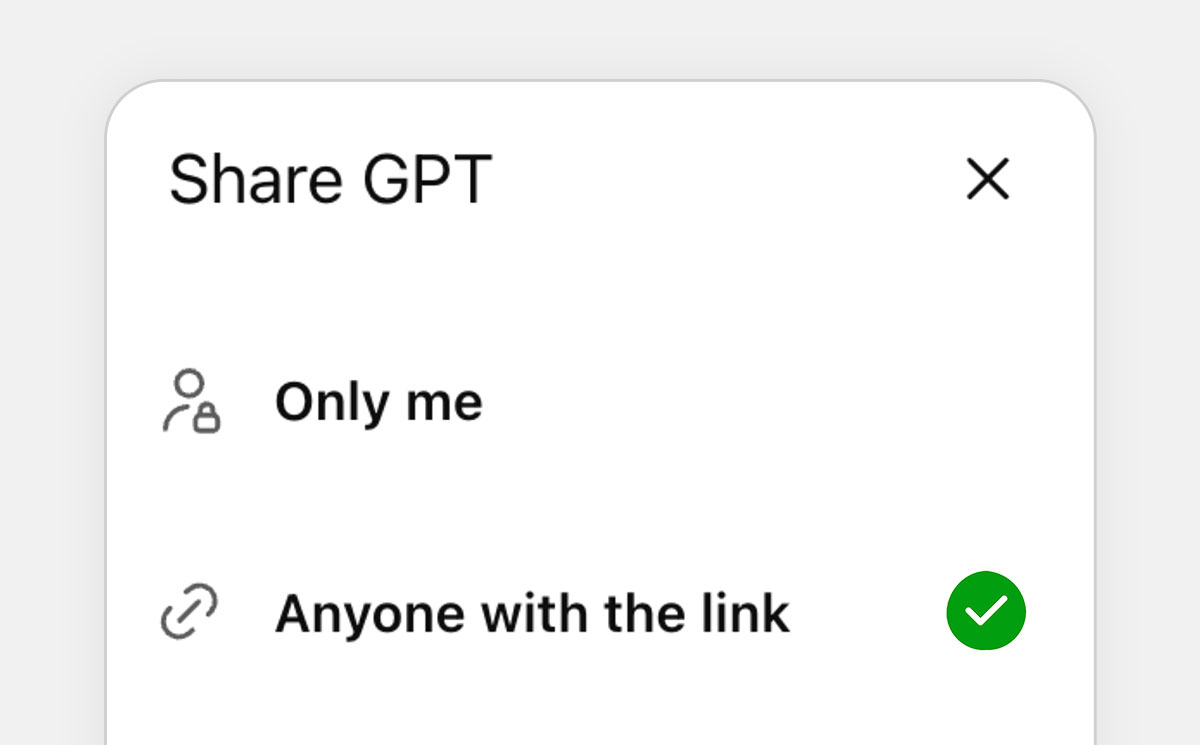
Name it, add a clear description, upload an icon, test with pilot users, and iterate. Publish privately to your workspace or publicly in the GPT Store if appropriate. Document how and when to use it.
Bonus: If you think it’ll help others, make your custom GPT accessible to others and share it!
Selecting GPT Opportunities
Not every task is worth automating with AI. The key is to identify opportunities where GPTs can deliver measurable value.
Founders and marketers should ask: Is this task repetitive? Does it require creativity within a framework? Will automating it save time or reduce costs?
For instance, customer support ticket classification, personalized marketing emails, or even onboarding documentation are high-value opportunities for GPTs. A 2024 HubSpot report found that companies who strategically implemented AI assistants in marketing saw a 32% increase in campaign ROI within six months.
Choose workflows that are:
- Frequent (daily/weekly tasks compound savings)
- Structured (clear inputs/outputs/templates)
- Error-sensitive (quality gates matter)
- Bottlenecked (known queues or rework cycles)
Start with 1–2 and expand once you’ve proven impact and adoption.
What Makes a GPT Useful
A GPT is only as useful as its ability to solve real problems. The most effective GPTs have three characteristics: clarity, adaptability, and alignment. Clarity means the GPT understands the task without confusion, something that comes from smart instructions and contextual data. Adaptability ensures it can handle variations and unexpected prompts, while alignment makes sure its tone and responses fit the brand’s voice. A “useful GPT” doesn’t just automate, it enhances workflows, reduces errors, and feels like an extension of the team.
- Context-rich: Has your examples, policies, and definitions
- Opinionated: Enforces your rules and formats every time
- Scoped: Does one job exceptionally well
- Observable: Produces outputs you can score (checklist, rubric, or KPI)
- Composable: Fits into the rest of your stack (docs, CRM, BI)
Build, Test, and Refine
Creating a GPT isn’t a one-and-done process, it’s iterative. The first version you build will often need adjustments, and that’s normal. The best approach is to start small, test quickly, and refine continuously. Begin with a narrow use case, say, generating email subject lines. Test it with real users, collect feedback, and fine-tune instructions or context. Over time, expand the scope: add body copy, integrate personalization, and align it with campaign metrics. This “build-test-refine” loop mirrors agile development in software. According to Forrester (2025), companies that follow iterative AI development cycles see 45% faster improvement in GPT performance compared to those who only deploy once. The key takeaway: don’t aim for perfection upfront, aim for progress and refinement.
Refinement loop: collect failed cases → add to Knowledge → strengthen Instructions → retest.
Measuring GPT Impact
Leaders care about outcomes. Measure at three levels:
- Activity: adoption, weekly active users, tasks completed
- Efficiency: minutes saved per task, rework reduction, cycle time
- Effectiveness: accuracy/quality scores, conversion rate lifts, revenue or cost impact
Microsoft recommends pairing leading indicators (surveys, telemetry) with system-level measures (throughput, quality). Borrow that playbook for GPTs.
Scaling GPT Influence
Once you’ve built and proven a GPT in one department, it’s time to expand. Scaling GPT influence means rolling it out across teams, integrating it with other tools, and training employees to use it effectively. By scaling influence, a single GPT can evolve into a company-wide AI ecosystem, multiplying its impact.
- Standardize: Maintain a library with owners, versions, and “when to use” guides
- Evangelize: Lunch-and-learns, 5-minute Loom demos, internal directory pages
- Automate: Connect GPTs to CRM/PM tools via actions for real workflow insertion (where appropriate)
- Govern: Review logs, retire stale versions, and schedule quarterly tune-ups
5 Custom GPTs You Can Start Building Right Now
1) Brand-Voice Editor

How it works: Paste any draft; the GPT rewrites it into your approved tone with compliant claims.
Components you’ll need: Voice guide, do/don’t list, sample before/afters, banned phrases.
Context to include: Audience profiles, product value props, CTA library.
Sample prompts:
- “Rewrite this LinkedIn post for a skeptical CFO audience; keep it under 120 words.”
- “Tighten this email to 6th-grade readability and remove filler.”
- “Turn this case study into a 4-tweet thread with one data point per tweet.”
2) Sales Email Personalizer
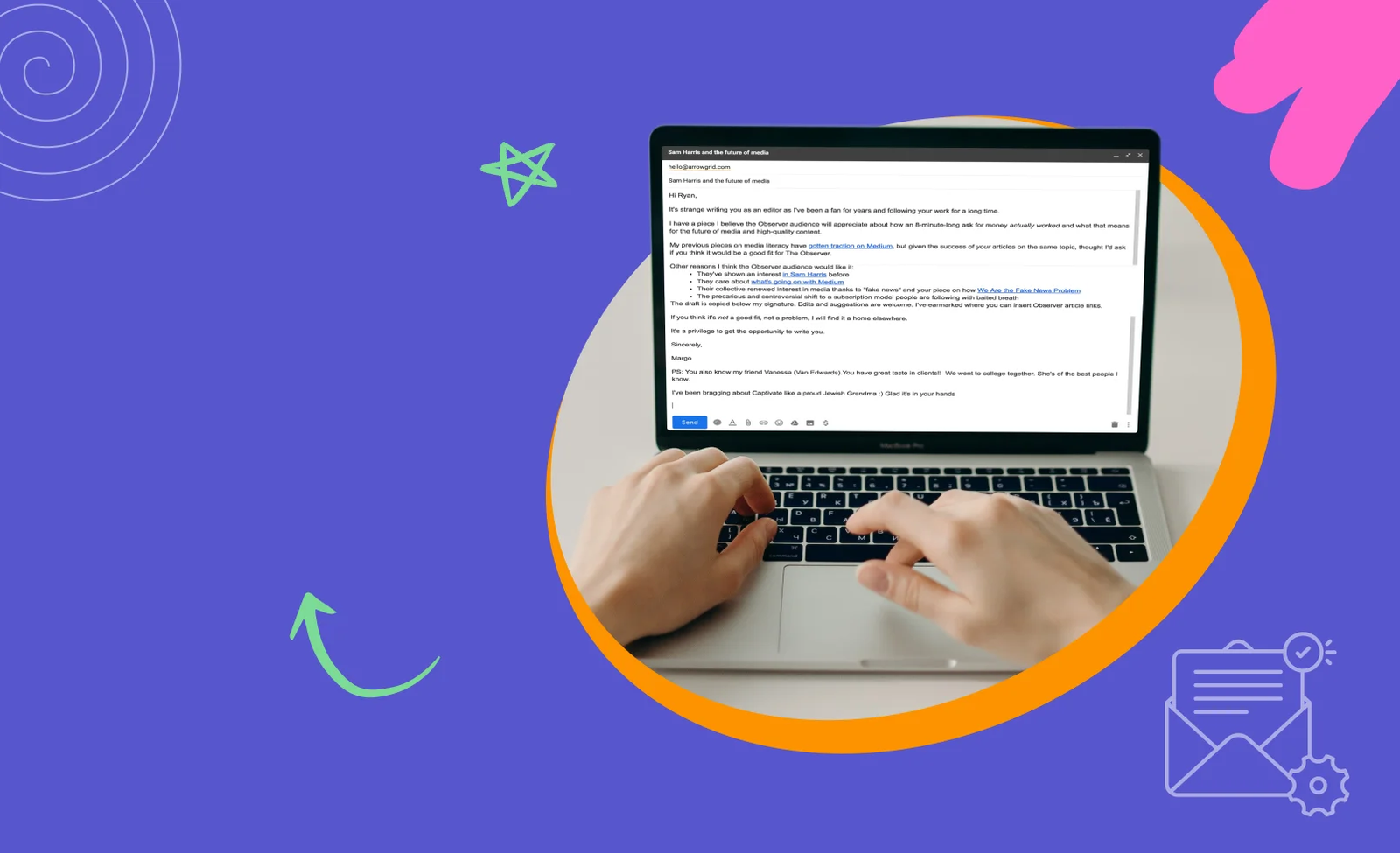
How it works: Takes a persona, pain, and offer; generates 3 tailored openers + 1 full email.
Components: Persona sheets, objection list, proof points, subject-line formulas.
Context: ICP definitions, compliance rules, reference case studies.
Sample prompts:
- “Create 3 first-line openers for a VP Ops in logistics; pain = lost time in WMS.”
- “Draft a 120-word follow-up referencing downtime data (no hard pitch).”
- “Reframe this email for EMEA privacy sensitivities.”
3) Research Summarizer & Brief Generator
How it works: Upload PDFs/links; returns a 1-page brief (problem, key findings, quotes, risks).
Components: Summary template, citation rules, fact-check checklist.
Context: Your preferred frameworks (e.g., JTBD, SWOT).
Sample prompts:
- “Summarize these 3 reports into a board-ready brief with 5 bullets + 2 charts to consider.”
- “Extract all quotes about ‘customer churn drivers’ with sources.”
- “Write a SWOT for this market from the uploads.”
4) Product Changelog & Release Note Builder
How it works: Paste ticket links or bullets; GPT writes customer-facing notes and internal summaries.
Components: Tone guidelines, security/compliance notes, template for ‘What’s new / Why it matters / How to use’.
Context: Past release notes, glossary of product terms.
Sample prompts:
- “Draft release notes from these Jira bullets; remove internal jargon.”
- “Create a 70-character in-app banner headline + 2 CTA options.”
- “Write a ‘What to test’ section for QA in checklist form.”
5) Post-Meeting Synthesizer
How it works: Upload transcript/notes; returns decisions, owners, deadlines, and risks.
Components: MoM (minutes of meeting) template, RACI roles, escalation paths.
Context: Team roster, project goals, sprint cadence.
Sample prompts:
- “Turn this transcript into MoM with owners & due dates; flag unclear decisions.”
- “Highlight all dependencies that could slip sprint 19.”
- “Generate a stakeholder summary email (100 words, neutral tone).”
Build these as separate GPTs instead of one mega-bot. Specialization beats sprawl.
Why Custom GPTs Are the New “Product Whisperer”
Think of custom GPTs as your product whisperer, the invisible force that helps shape how your product, service, or brand communicates with the world. Just like a product manager understands customer needs and translates them into features, a well-trained GPT translates your brand’s DNA into actionable communication. Whether it’s responding to leads, crafting engaging content, or brainstorming new campaigns, GPTs can mirror your exact thought process. The reason they’re being called “product whisperers” is because they don’t just automate tasks. They make your product or brand more relatable, human, and scalable. Imagine an AI that knows your customer pain points as deeply as you do and can respond instantly with empathy and precision. That’s not just efficiency, it’s competitive advantage.
The Final Word: Walk With Us so You Can Start Running on Your Own
You don’t need a data science team to make AI think like you. You need clear use cases, sharp instructions, and a feedback loop. The upside is real: organizations that operationalize assistants see faster cycles and higher confidence from their teams. (In adjacent domains, GitHub measured up to 55% faster coding with AI assistance; your content, support, research, and product tasks can see similar directional gains when you systematize with GPTs.)
The only AI that matters is the AI that reliably does your job the way you would.
Want help turning your playbooks into production-ready GPTs?
We’ll co-design your first three (editor, researcher, analyst), set up measurement, and train your team, so you can scale your judgment, not your workload.
Book a free scoping call and let’s build the assistants your business deserves.
You can also go through our relevant blog on: How to build a 30-day Content Calendar with ChatGPT in 2026
FAQs
How to make your own AI like ChatGPT?
Use OpenAI’s GPT Builder to configure a custom GPT with your instructions, knowledge, and tools—no code required.
How to use custom GPTs in ChatGPT?
Open Explore GPTs → Create, add instructions/knowledge, enable tools, test, and publish to your workspace or the GPT Store.
How to train your own custom AI?
“Training” here means prompt/instruction design + knowledge uploads (RAG), not model fine-tuning; keep examples concise and rules explicit.
How to train your AI ChatGPT to use my voice and rules?
Document tone, do/don’t lists, and gold-standard examples; add them as Knowledge and enforce with strict Instructions.
Can I connect a custom GPT to my data/tools?
Yes. Enable file uploads, web browsing, or define Actions for external APIs (with domain verification and privacy policy).
Is there a way to monetize a GPT?
OpenAI’s GPT Store allows sharing and has supported builder payment programs; check the latest Store terms for eligibility.
How do I measure ROI from GPTs?
Track adoption, minutes saved, quality scores, and business KPIs. Pair leading indicators with system-level outcomes.
What about accuracy and compliance?
Bake in rules, add checklists, restrict tools, and require human review on sensitive outputs; iterate with failed cases.