
For small business owners, effectively managing social media can be a difficult and hectic task. Finding the appropriate solutions to streamline your marketing efforts is crucial if you have limited time, money, and experience. Post scheduling, audience engagement, performance tracking, and time savings are all made possible by the appropriate social media scheduling software. We’ll explore the top time-saving social media solutions for small businesses in this blog, along with how they might support your 2026 marketing objectives.
What Makes Social Media Scheduling Software Necessary for Small Businesses?
Nowadays, social media is an essential component of any marketing plan. These platforms are especially important for small businesses since they help them reach their target audience, increase brand recognition, and boost sales. However, manually running several social media accounts might take a lot of time and efficiency.
Small businesses require affordable social media tools for the following reasons:
- Efficiency: Save time by scheduling posts automatically.
- Engagement: Quickly reply to messages and comments.
- Analytics: Monitor performance indicators to enhance your approach.
- Cost-Effectiveness: Manage social media platforms at a professional level without employing a specialised staff.
Important Characteristics of Time-Saving Marketing Tools
Prior to going over our list of management tools, let’s look at the characteristics that contribute to a social media scheduling tool’s effectiveness for small businesses:
- Scheduling: Enables you to organise and publish content on several platforms.
- Analytics: Offers information about follower growth, reach, and engagement.
- User-Friendly Interface: Simple to use and navigate.
- Integration: Several social networking platforms, including Facebook, Instagram, Twitter, Google and LinkedIn, are supported via the integration.
- Affordability: Complies with a small business’s budget.
Top 10 Social Media Scheduling for Small Businesses in 2026
With the top social media scheduling tools, you can control every aspect of your digital marketing presence from a single app. Social media accounts can be managed, automated, and analysed so you can concentrate on producing the kind of content that appeals to your target audience.
With time-saving social media apps, the issue is that all apps are constrained by the same thing: the functionality that the different social networks allow them to use. This indicates that while the capabilities offered by the majority of social media scheduling systems are very similar, they also differ depending on the social networks they support. For instance, TikTok provides a whole different set of analytics data than Facebook, and Instagram is a different platform for posting than YouTube.
Majorly small businesses will benefit most from these top 10 social media marketing software. The top tools for social media scheduling are listed below, summarised:
1. Buffer
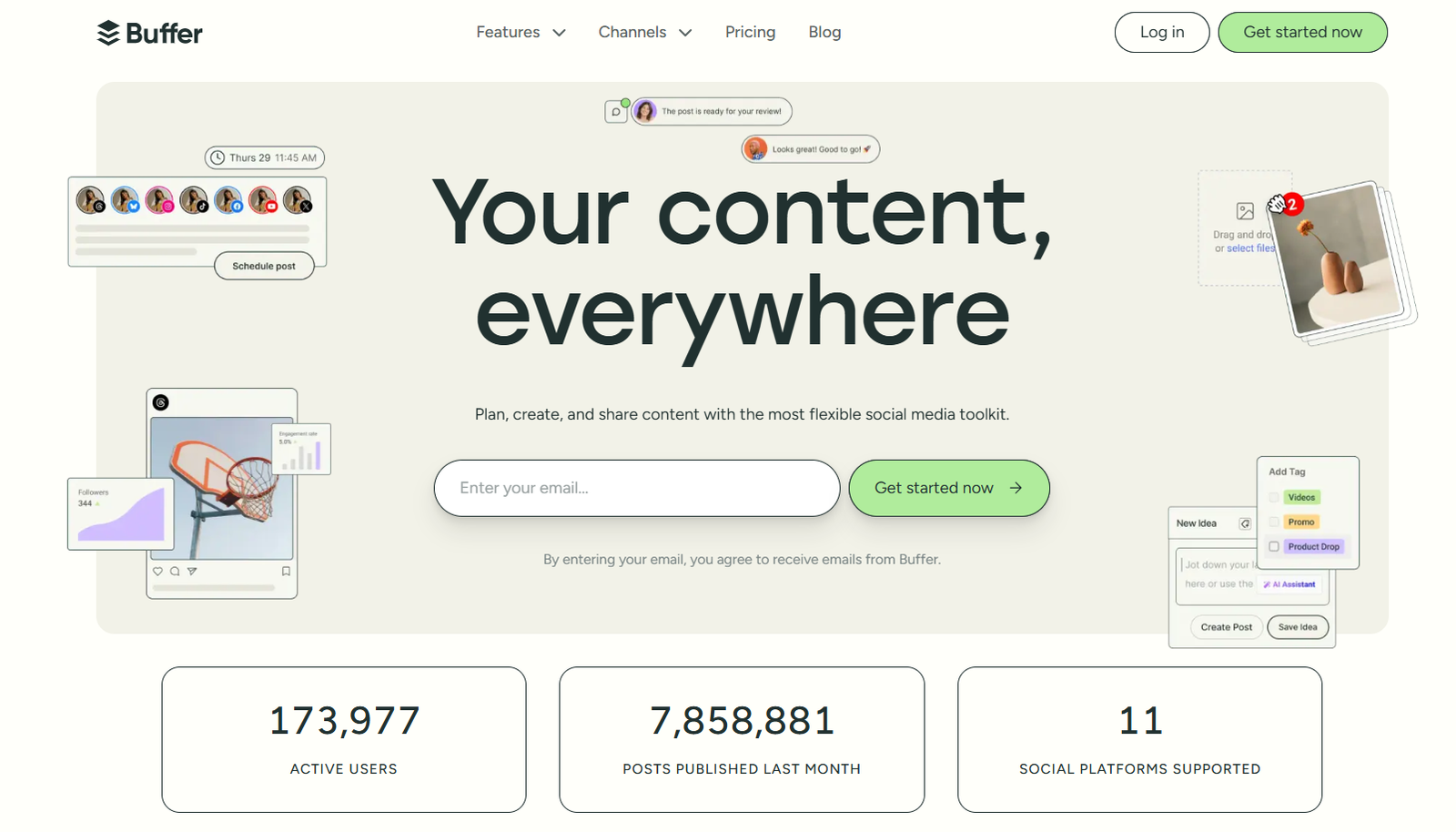
Buffer is a simple yet powerful tool for managing social media posts. It’s perfect for small businesses looking to schedule posts and analyze their performance.
Features:
- Post scheduling across multiple platforms
- Detailed analytics for tracking engagement
- Affordable pricing plans
Why Choose Buffer: Buffer’s user-friendly interface makes it an excellent choice for beginners.
2. Hootsuite
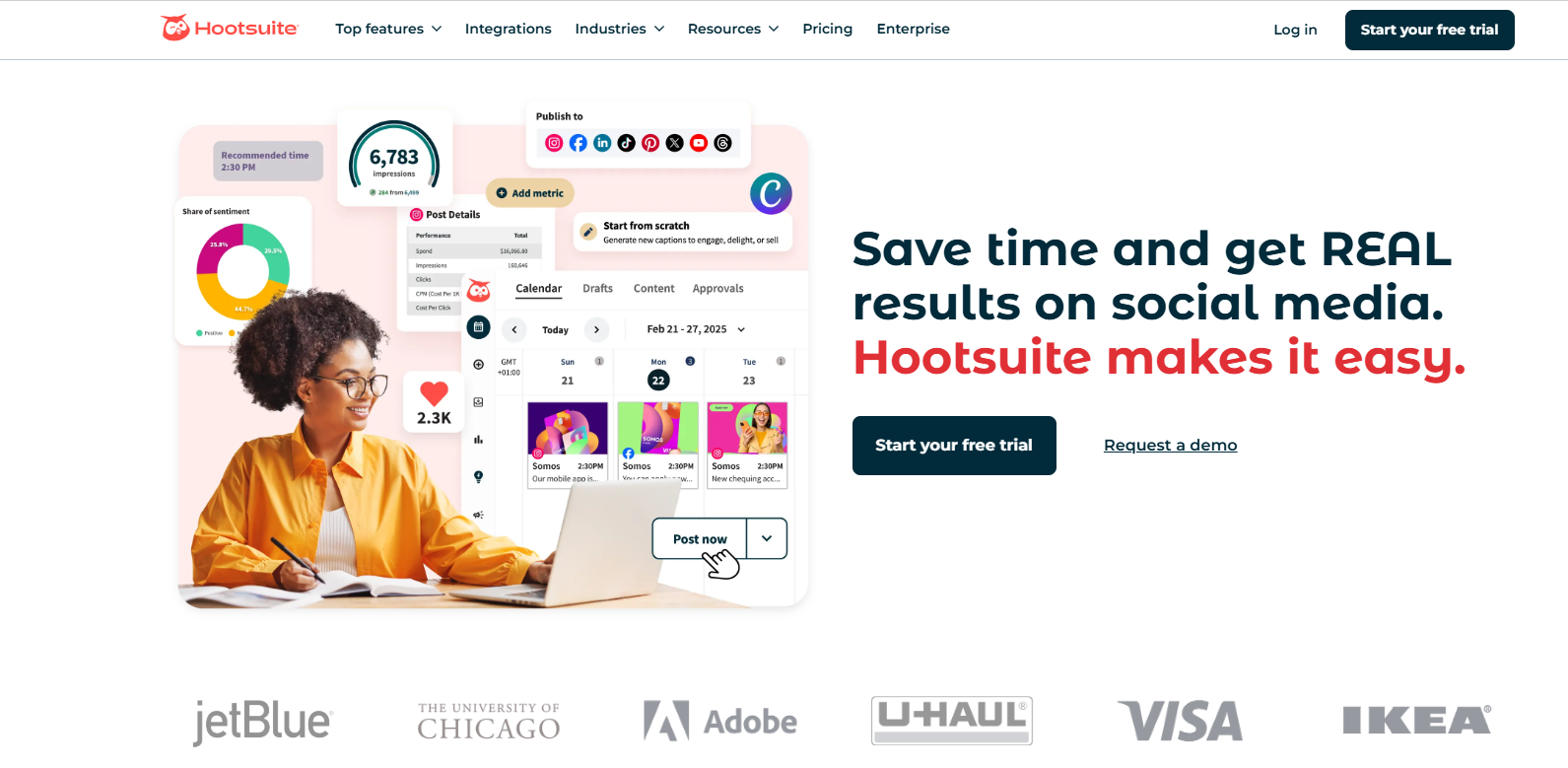
One of the most widely used social media scheduling platforms, Hootsuite is renowned for its extensive feature set and adaptability.
Features:
- Options for advanced scheduling
- Tools for team cooperation
- An extensive analytics dashboard
Why Opt for Hootsuite: For companies seeking a complete solution to handle every facet of digital marketing and management, it’s perfect.
3. Sprout Social
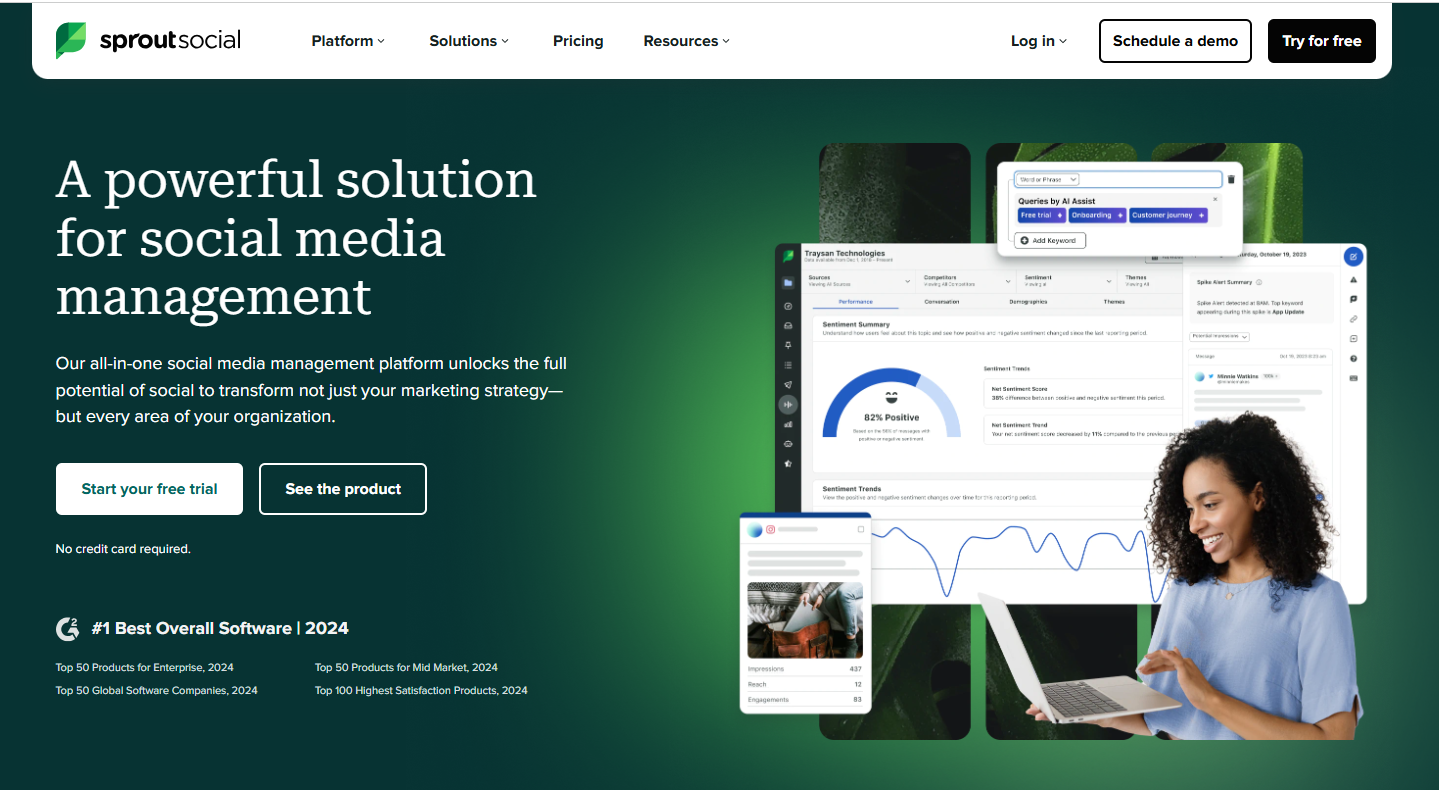
Sprout Social is a great option for expanding companies since it provides sophisticated interaction and analytics features.
Features:
- Message management with a smart inbox
- Tools for social listening
- Comprehensive analytics
Reasons for Selecting Sprout Social: Its advanced features are ideal for companies looking to increase client/audience engagement and interaction.
4. Later
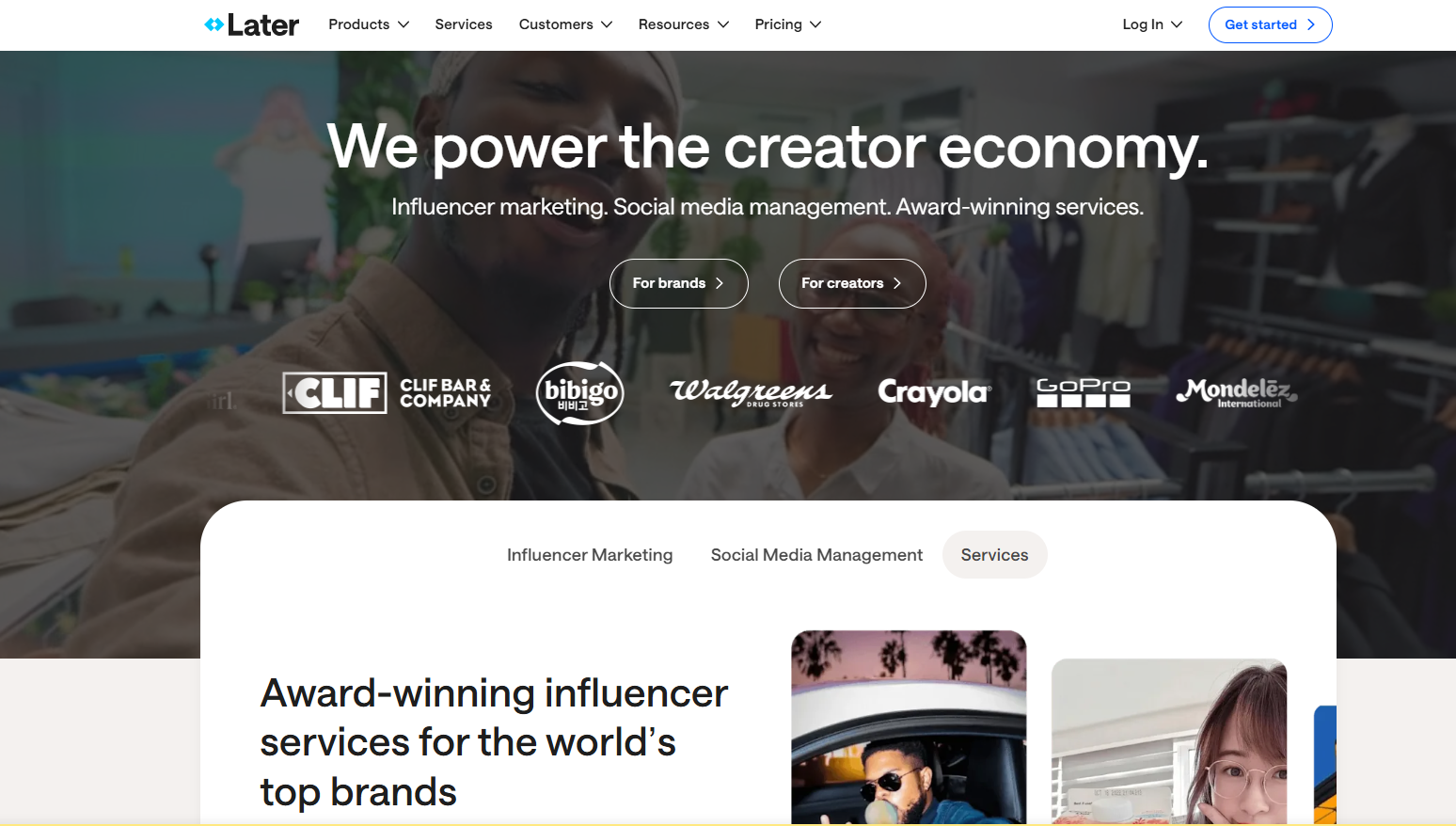
It focuses mainly on visual networks like Instagram and Pinterest. Hence, it is a great option for companies who have a lot of visual content and want to improve their visual presence.
Features:
- A drag-and-drop calendar for scheduling
- Linkin.bio – a tool to increase traffic
- Instagram-specific analytics
Why Choose Later: Ideal for small companies who use Pinterest and Instagram extensively for heavy promotions.
5. Zoho Social
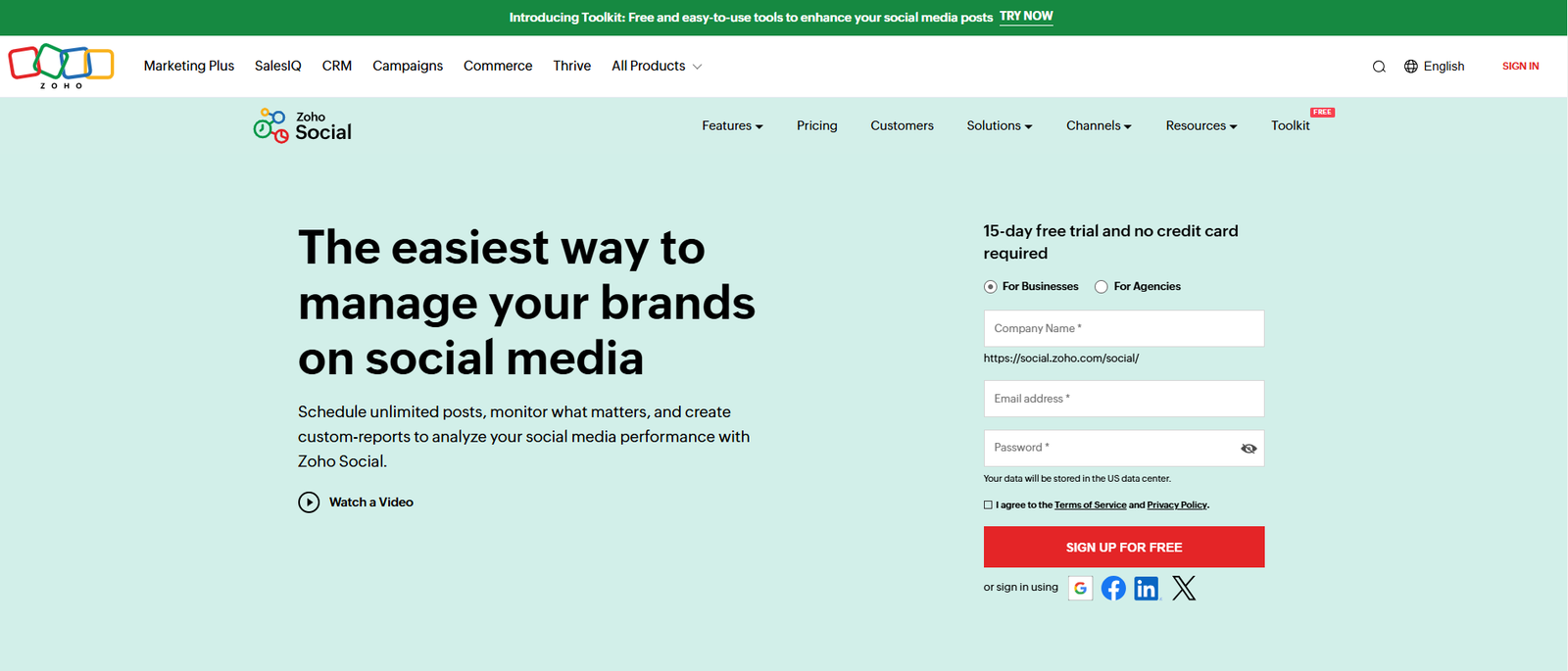
With its many capabilities, Zoho Social is an affordable solution for streamlining your social media approach.
Features:
- Tools for custom reporting
- Monitoring in real time
- Integration across several platforms
Why Choose Zoho Social: It is perfect for small enterprises because of its comprehensive features and reasonably priced options.
6. Canva
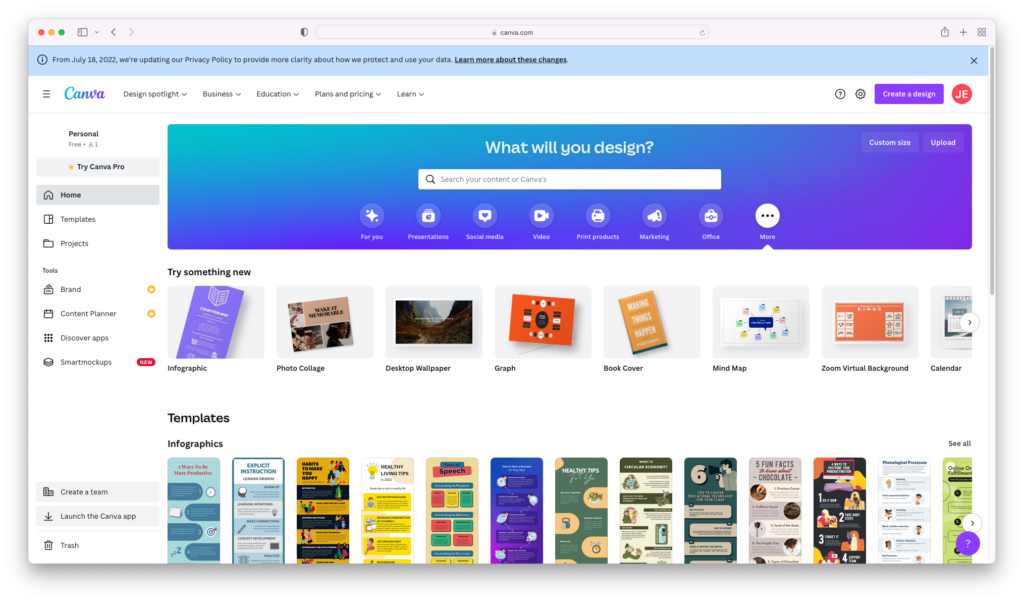
Despite being primarily a design tool, Canva is a fantastic all-in-one solution because it also has scheduling features.
Features:
- Social media post design templates
- Options for scheduling
- Features for collaboration
Why Opt for Canva: Ideal for businesses that want scheduling and pleasant aesthetics in a single tool.
7. MeetEdgar
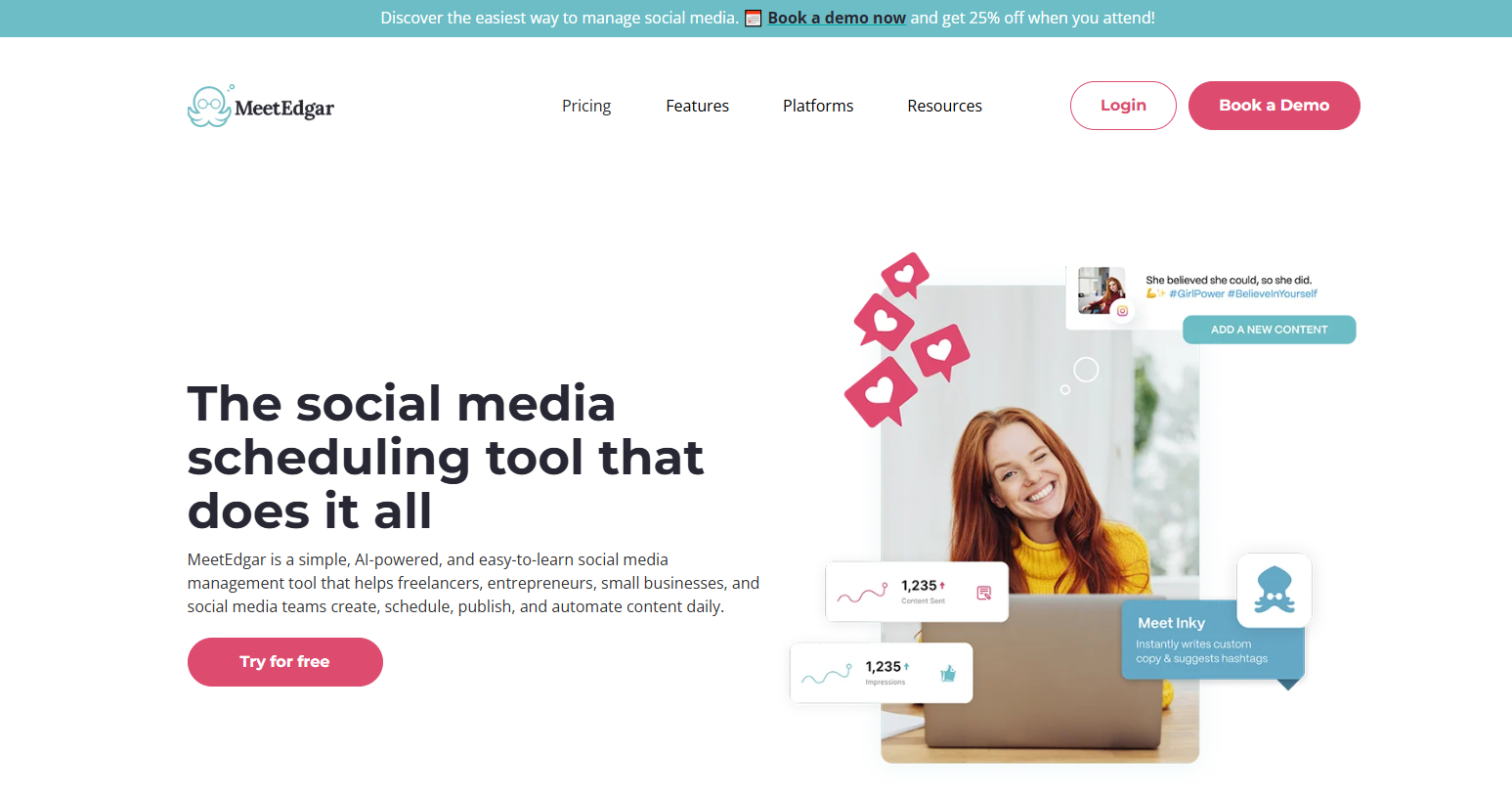
In order to keep your social media accounts active, MeetEdgar specialises in automating evergreen content.
Features:
- Recycling of content
- Automated scheduling for posts
- Performance monitoring
Why Choose MeetEdgar: Perfect for businesses who wish to increase the visibility of their content without having to update it frequently.
8. Sendible
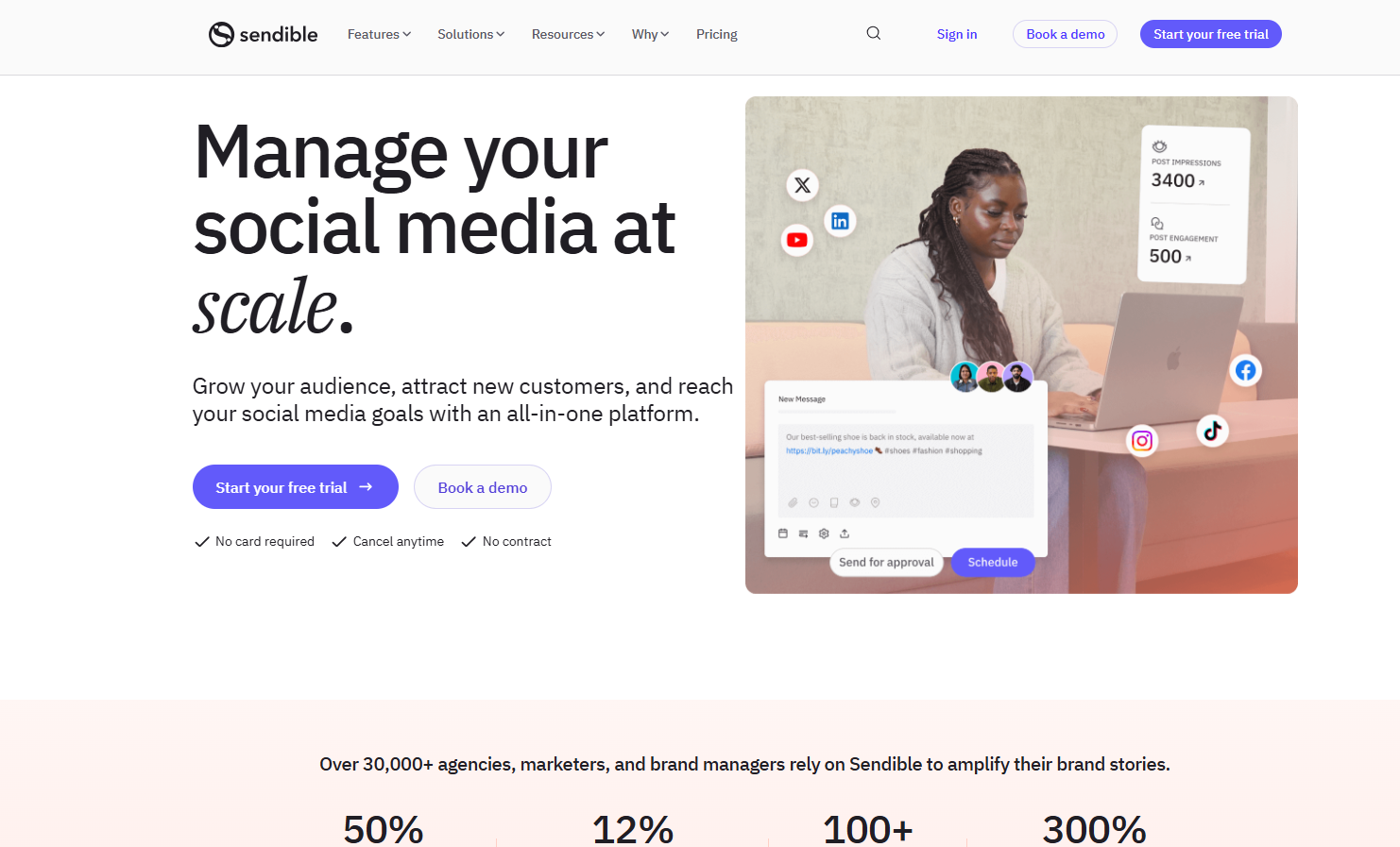
Sendible provides customisation possibilities and is intended for businesses that manage numerous social media platforms.
Features:
- Customisation of posts for various platforms
- Connectivity to blogging platforms
- Modern and complex analytics
Why Choose Sendible: Ideal for businesses that manage a variety of content on multiple platforms.
9. Tailwind
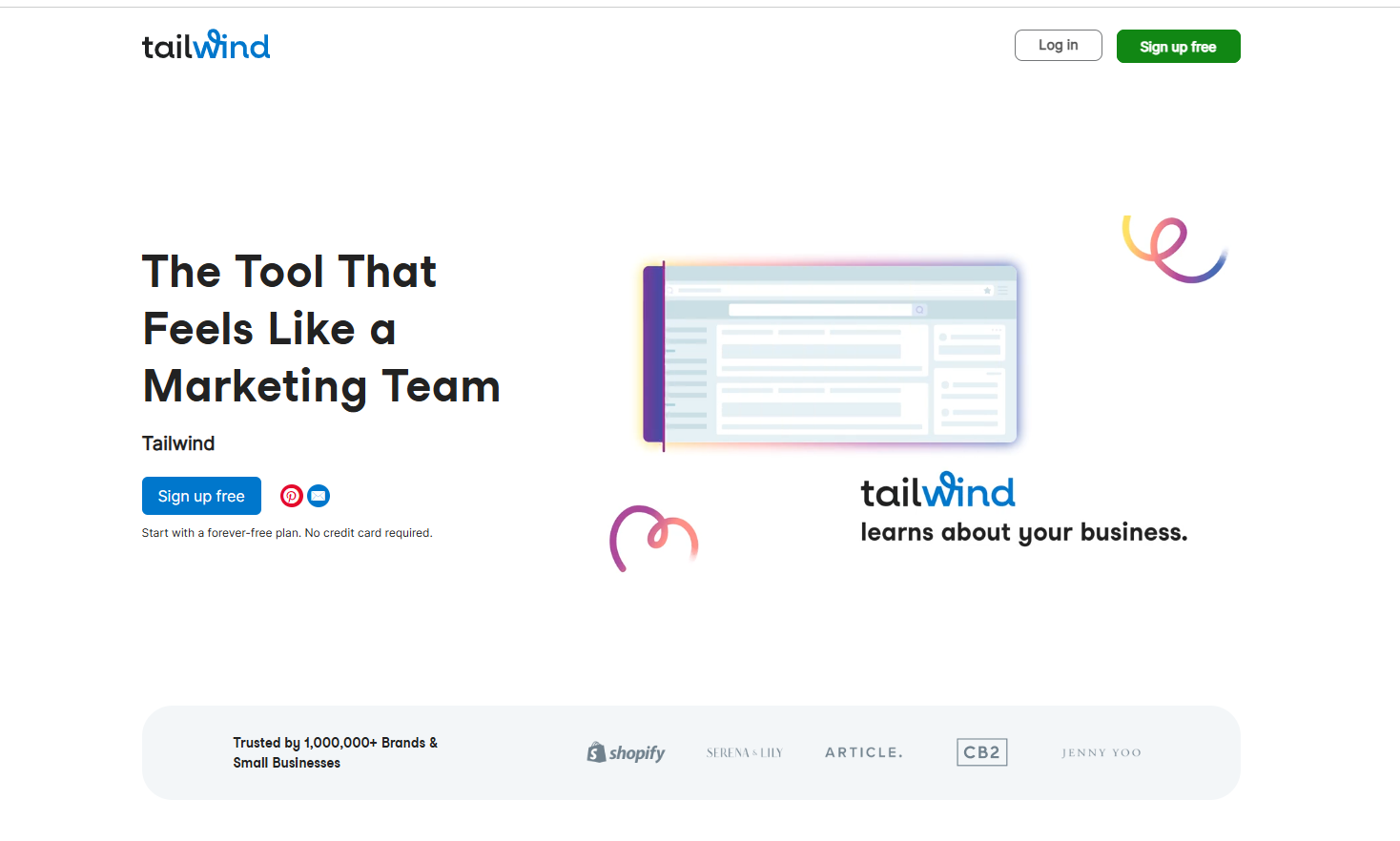
Tailwind is the preferred tool for Instagram and Pinterest management.
Features:
- Suggestions for content
- Smart scheduling
- Hashtag recommendations
Why Choose Tailwind: Perfect for small businesses that want to market on Pinterest.
10. Agorapulse
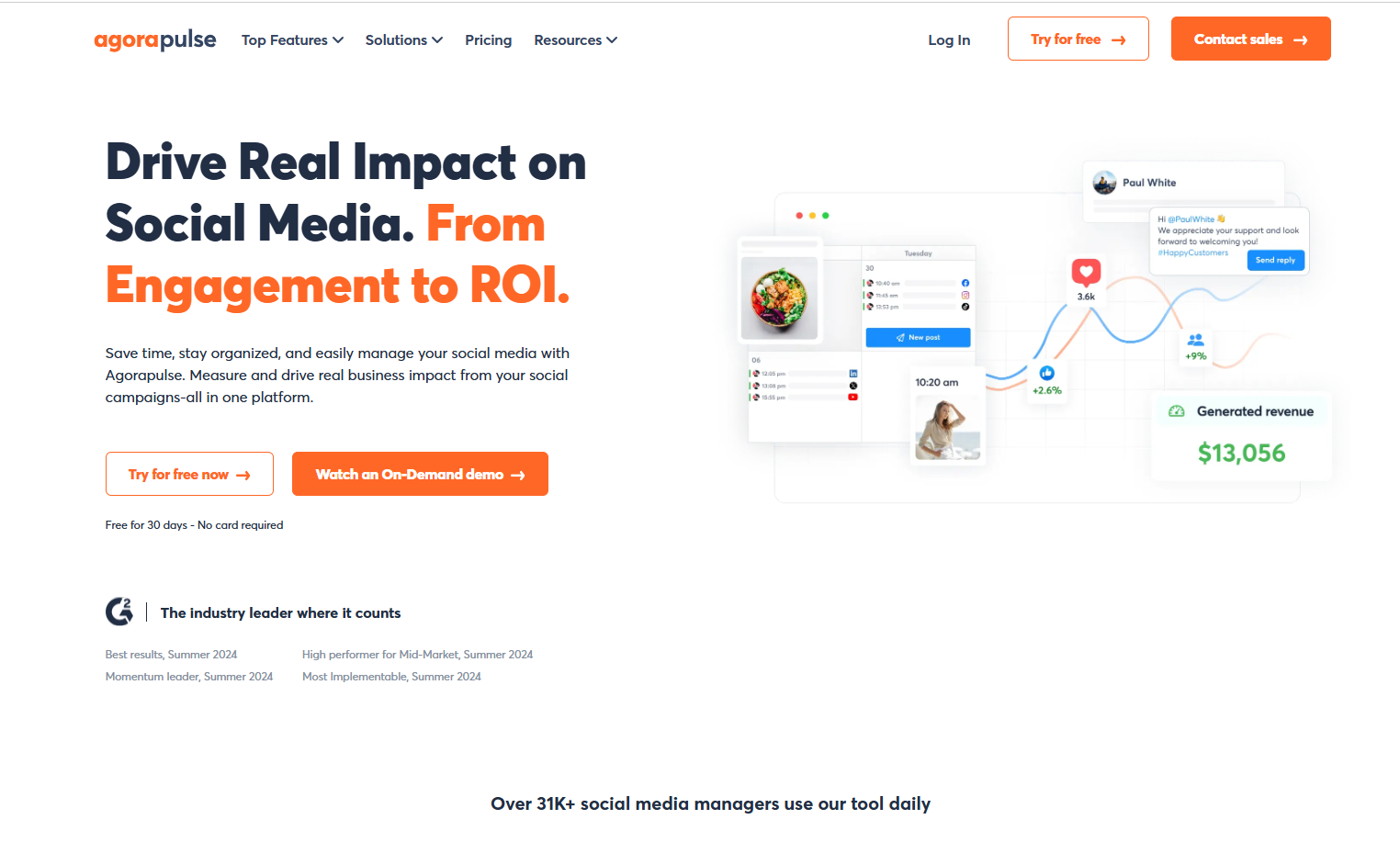
Agorapulse is a potent tool that integrates analytics, scheduling, and performance tracking.
Features:
- Unified mailbox for all of the messages
- Features of social listening
- Comprehensive performance evaluations
Why Choose Agorapulse: This multipurpose tool makes social media scheduling easier for small businesses.
How to Choose Social Media Scheduling Tools That Help Achieve Success
Small businesses can use social media tools to:
- Determine when posts will get the most interaction and engagement.
- Find out what kinds of content appeal to their audience the most.
- Analyse ROI for social media marketing campaigns.
Additionally, management-capable apps guarantee that businesses can continue to have a steady online presence even during peak times.
How to Select The Appropriate Tools to Manage Business Accounts
When choosing a social media scheduling tool, consider the following:
- Budget: Decide how much you’re willing to spend. Some platforms, such as Buffer and Later, provide free plans, whilst others, such as Hootsuite, require a subscription.
- Business Needs: Determine which platforms and functionalities you require. For example, if you want to focus on Instagram, apps like Later and Tailwind are great.
- Scalability: Select a tool that can expand alongside your business. If you intend to expand across numerous platforms, use a tool that supports all of them.
- Trial periods: Take advantage of free trials to test various tools. Most platforms include a trial period during which users can explore their features.
- Ease of Use: Make sure the tool is intuitive and does not require substantial training to operate.
A Comparative Table Of The Top 10 Tools
Here is a quick comparative table that summarises major features of the above 10 social media scheduling tools:
|
Tool |
Pricing | Platforms Supported |
Unique Characteristics |
| Buffer | Freemium; Paid Plan: $5/mo | Twitter, Facebook, Instagram, LinkedIn, Pinterest | Simple scheduling and analytics. |
| Hootsuite | Starting: $99/mo | Twitter, Facebook, Instagram, LinkedIn, YouTube | Advanced dashboard and team collaboration. |
| Sprout Social | $249/mo per user | Twitter, Facebook, Instagram, LinkedIn, Pinterest | Detailed analytics and client engagement. |
| Later | Starting: $25/mo | Twitter, Facebook, Instagram, Pinterest | Visual content calendar with an Instagram focus. |
| Zoho Social | Freemium; Paid Plan: $15/mo | Twitter, Facebook, Instagram, LinkedIn, Google My Business | CRM integration and comprehensive analytics. |
| Canva | Freemium; Paid Plan: $6.50/mo | All platforms (design tool for social media graphics) | Easy-to-use templates with a drag-and-drop design interface. |
| MeetEdgar | Starting: $29.99/mo | Facebook, Instagram, LinkedIn, Twitter | Automated content recycling through an evergreen library. |
| Sendible | Starting: $29/mo | Twitter, Facebook, Instagram, LinkedIn, Pinterest, YouTube | Customisable dashboards and robust reporting features. |
| Tailwind | Starting: $24.99/mo | Instagram, Pinterest | Visual scheduling and smart recommendations. |
| Agorapulse | Starting: $99/mo | Facebook, Instagram, LinkedIn, Youtube, Twitter | Unified inbox, extensive reports, and competitive analysis. |
Pro Tips For Small Businesses
- Focus on Quality Over Quantity: It’s preferable to have a few well-written blogs than to overwhelm your viewers with bad content.
- Engage Consistently: Use tools to monitor comments and communications so that you can answer quickly.
- Analyze and Optimize: Review your analytics on a regular basis to determine what works and what does not.
- Stay Updated: The social media platforms and apps are continually evolving. Stay updated about new features and upgrades.
Conclusion
Choosing the right social media scheduling software is critical for small businesses trying to improve their marketing efficiency. Buffer, Hootsuite, and Sprout Social all have capabilities that cater to a variety of demands and budgets. Evaluate your needs, take advantage of free trials, and select the platform that best matches with your business objectives. Using these best and affordable social media tools in 2026, small businesses can maintain a consistent online presence, successfully communicate with their audience, and track performance for long-term success.
So, how are you going to enhance your social media game by implementing these top time-saving tools for small businesses? Explore these tools now and begin managing your social media like a Pro!
Check out our latest blogs on:
Free Social Media Tools to Check Out in 2026
Stop Wasting Time: 5 Social Media Mistakes That Hurt Your Growth in 2026
FAQs
What is a social media management tool?
A tool that allows users to manage all of their social network accounts from one spot.
Do social media tools help small businesses grow??
Yes. They save time, help you stay organised, and increase consistency.
Are social media marketing apps useful for scheduling and posting a high amount of content?
Yes, you may schedule in advance and manage several accounts with ease.
What features do different social media scheduling platforms have, such as scheduling, reporting, and analytics?
Scheduling, content calendars, auto-posting, engagement tracking, performance evaluation, reporting, and analytics are some of the key features available with social media management software.
Why should I consider investing in social media marketing tools?
It can help you save time, be more consistent, better your social media strategy, and expand your brand.
Which platforms can be managed with a social media scheduling tool?
Most tools support a variety of platforms, including Facebook, Instagram, LinkedIn, YouTube, Twitter, and Pinterest.
What are the best social media marketing tools to use?
The best management tools are dependent on your requirements but Buffer, Hootsuite, Zoho and Later are the top options.
Do you have any tips for using social media scheduling tools for small businesses effectively?
Plan ahead of time, use automation properly, choose paid programs, and track your performance on a regular basis to achieve better results.