Running a business in 2026 is definitely challenging. Founders and marketers often juggle various roles, like managing sales, building their teams, taking care of customer relationships, creating content, and keeping up with market trends. HubSpot’s 2025 report shows that 72% of entrepreneurs handle their own marketing, which means they’re on the lookout for tools that can help save time, cut costs, and boost productivity.
The good news is, you don’t have to break the bank on pricey software to hold your own against the big players. There are plenty of free tools out there that can help automate tasks, streamline workflows, and enhance your brand visibility without costing anything. In this blog, we’re going to explore 7 free tools that every founder and marketer should keep in their favorites for 2026, complete with real examples and handy tips to get you going.
Why Free Tools Are Important
For startups and solopreneurs, free tools are often the difference between moving forward or stalling out. When budgets are tight, these tools:
- Remove financial barriers – No need for upfront investments.
- Offer professional-grade capabilities – Free versions are surprisingly powerful.
- Encourage experimentation – Founders can test ideas quickly.
- Support scalability – You can always upgrade to premium when growth demands it.
Many startups run their first 12 months entirely on free tools, freeing up capital for sales, hiring, or product development.
Why Founders and Marketers Need Free Tools in 2026
2026 is the era of lean growth. Funding is harder to secure, consumers demand speed and personalization, and competition is tougher than ever. Free tools level the playing field.
- Time Efficiency: Automating small tasks saves hours weekly.
- Professional Credibility: Polished websites and branded graphics give startups legitimacy.
- Smarter Decision-Making: Data-driven insights guide founders toward what works.
- Consistency: Free project management tools ensure teams hit deadlines.
- Flexibility: Most tools integrate with each other, creating smooth workflows.
7 Free Tools to Bookmark in 206
Before diving into each tool, let’s understand why this list matters. Many founders waste energy switching between apps or spending money on complex platforms they don’t need. The tools below are carefully chosen because they are free, widely used, and scalable.
1. Notion – Your All-in-One Workspace
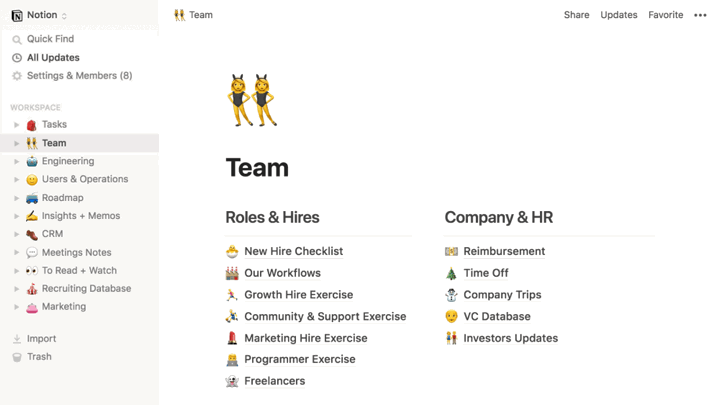
What it does: Notion combines note-taking, task management, and collaboration into one powerful platform. It’s versatile enough to act as your company’s internal hub.
Why founders love it: Instead of juggling multiple apps (Docs, Excel, Asana), everything lives in Notion, roadmaps, content calendars, wikis, and client notes.
Real-world example: A SaaS startup replaced 4 separate tools with Notion, cutting subscription costs by 60% and centralizing team communication.
Pro Tip: Use Notion templates for OKRs, marketing funnels, or content pipelines to save time.
Link: notion.com
2. Google Workspace – Professional Email and Collaboration
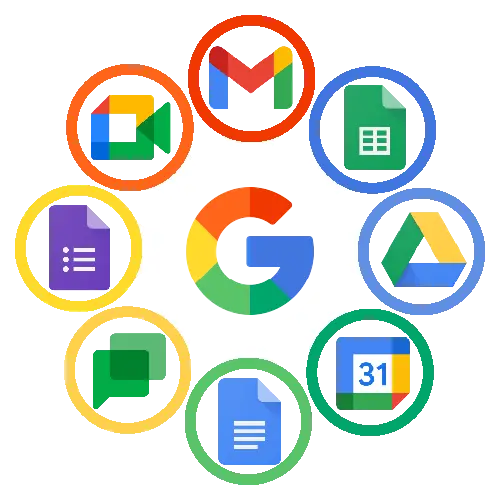
What it does: Beyond Gmail, Google Workspace offers Docs, Sheets, Slides, Meet, and Drive, all synced in the cloud.
Why founders love it: Seamless collaboration makes it easy to work remotely, track document changes, and keep data secure.
Real-world example: A small digital agency onboarded 15 employees entirely online using just Google Drive, Docs, and Meet.
Pro Tip: Use Google Forms as a free lead-generation or customer feedback tool.
Link: workspace.google.com
3. Trello – Project Management Made Simple
What it does: Trello uses Kanban boards for task tracking, making it easy to visualize workflows.
Why founders love it: It’s beginner-friendly and perfect for keeping teams aligned without complexity.
Real-world example: A freelance marketing team used Trello to manage campaigns across multiple clients, reducing missed deadlines by 40%.
Pro Tip: Use Trello automation (“Butler”) to auto-assign tasks or set reminders.
Link: trello.com

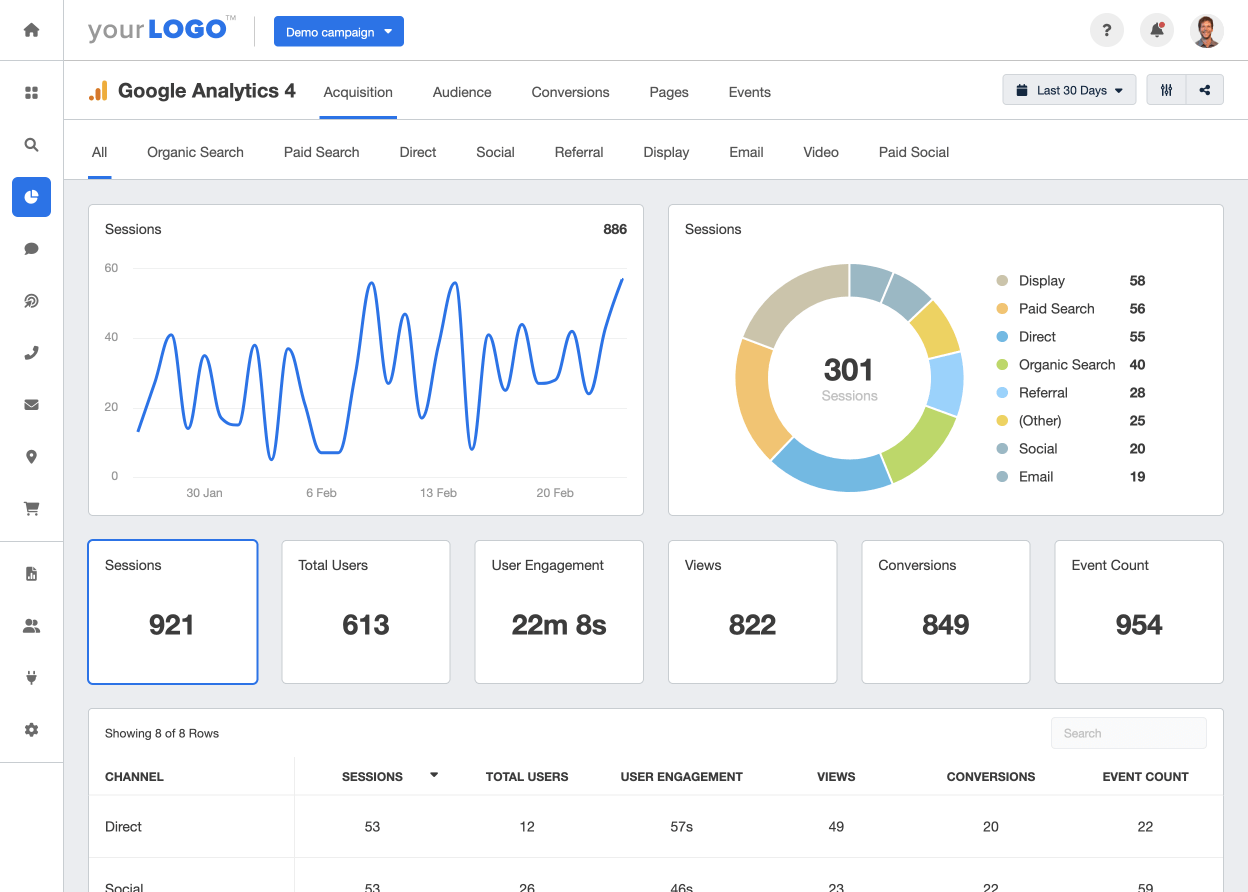
4. Google Analytics – Understand Your Audience
What it does: Google Analytics tracks traffic, user behavior, and conversions.
Why founders love it: It helps you understand which marketing efforts bring results and which don’t.
Real-world example: An e-commerce shop used GA to uncover that most buyers came from Instagram, shifting budget accordingly and increasing sales by 25%.
Pro Tip: Set up GA4 events to track specific actions like clicks, downloads, or purchases.
Link: analytics.google.com
5. Canva – Design Like a Pro Without Being One
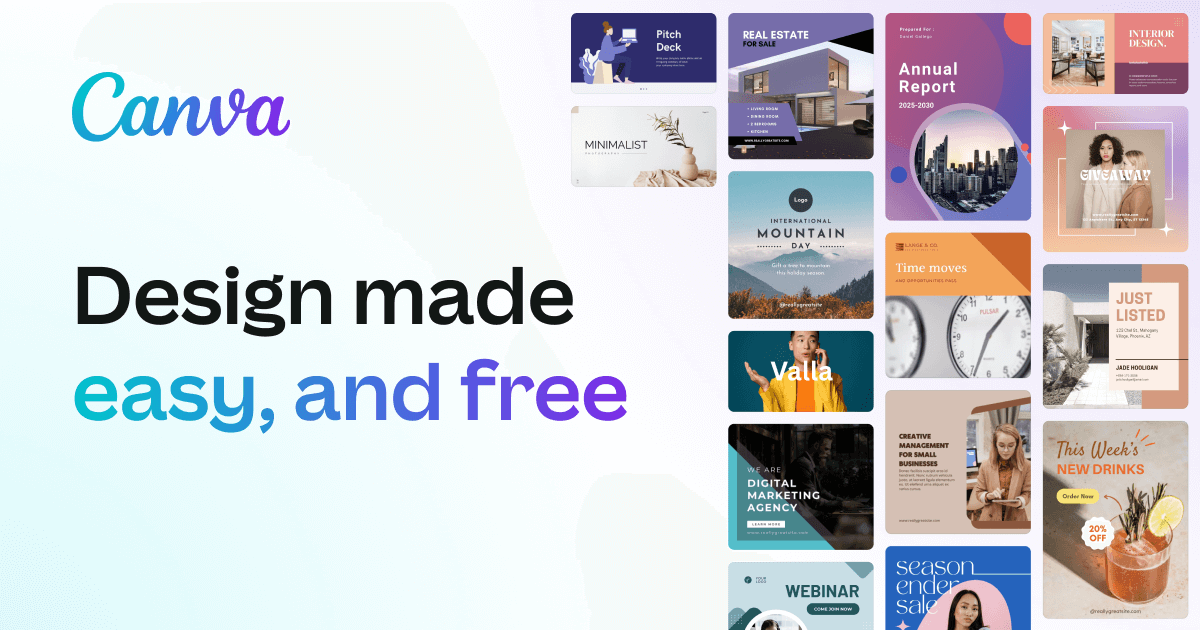
What it does: Canva allows non-designers to create social media graphics, presentations, and branding assets in minutes.
Why founders love it: It saves hiring costs for small design needs. Even free users can access thousands of templates.
Real-world example: A solopreneur built a professional Instagram page with Canva designs, growing to 15k followers in 6 months.
Pro Tip: Use Canva’s “Magic Resize” to instantly adapt a design to multiple platforms.
Link: canva.com
6. WordPress – Website Builder
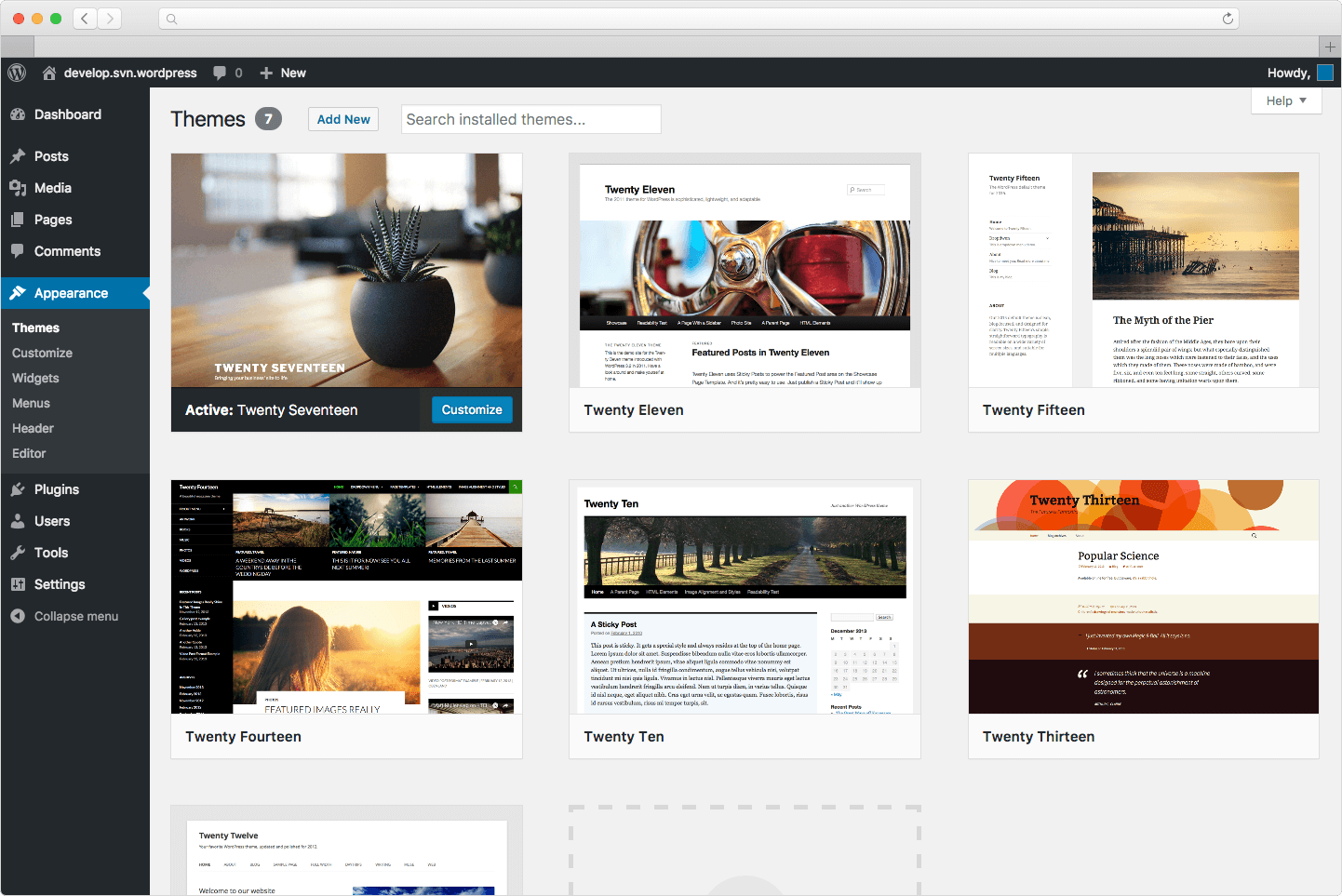
What it does: WordPress powers nearly half the internet with customizable, open-source websites.
Why founders love it: Free themes and plugins make it possible to launch professional websites without technical expertise.
Real-world example: A fitness trainer started a blog on WordPress, which later grew into a membership-based business.
Pro Tip: Use free plugins like Yoast SEO for optimization and Jetpack for analytics.
Link: wordpress.org
7. Google Trends – Building an SEO Campaign
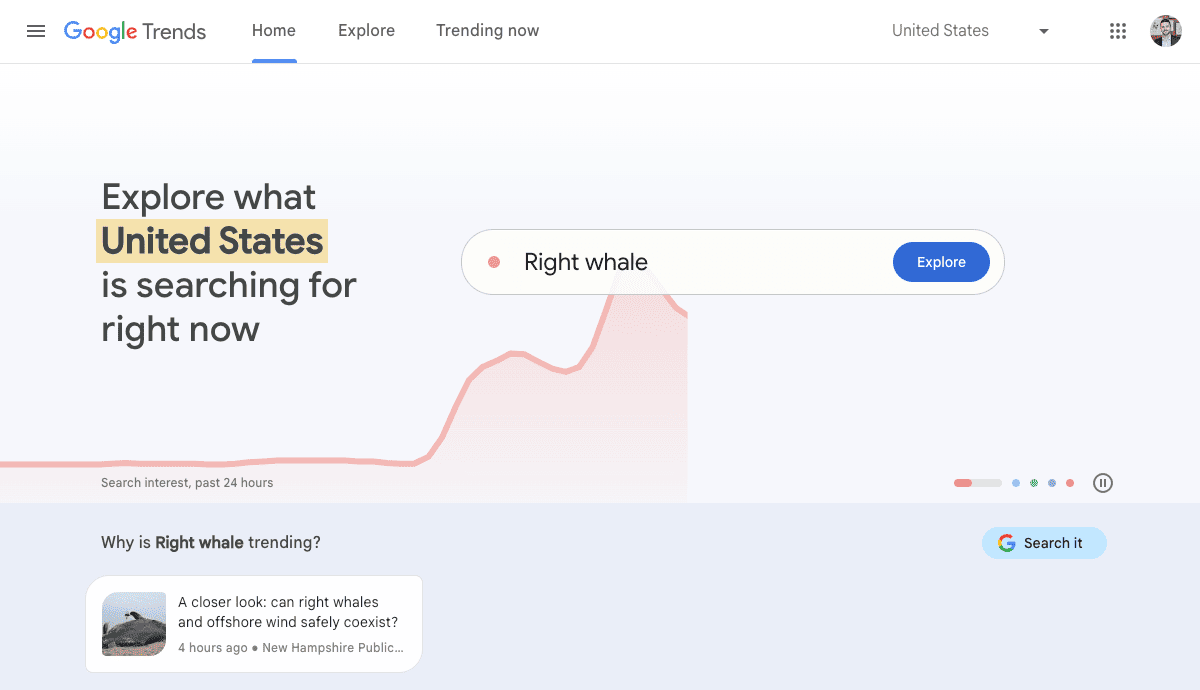
What it does: Shows keyword popularity and regional search demand.
Why founders love it: It helps businesses identify emerging topics before they peak.
Real-world example: A fashion brand spotted rising demand for “sustainable sneakers” using Google Trends, launching a campaign before competitors.
Pro Tip: Compare 3–4 keywords together to see which has the strongest momentum.
Link: trends.google.com
How to Actually Use These Tools
Using tools isn’t just about downloading them, it’s about integrating them into your workflow. Here’s a practical system:
- Organize tasks → Use Trello or Notion to manage project deadlines and goals. Create boards for marketing, sales, and product development.
- Collaborate in real time → Store assets and collaborate using Google Workspace. Share Docs for writing, Sheets for campaign budgets, and Meet for virtual meetings.
- Establish your digital presence → Build your site on WordPress to showcase credibility. Link all campaigns back to your website as the central hub.
- Create visuals → Design social posts, ads, or pitch decks in Canva, maintaining brand consistency across platforms.
- Analyze performance → Use Google Analytics to see which campaigns drive the most engagement or sales. Adjust strategy accordingly.
- Find opportunities → Validate blog ideas, hashtags, or product trends with Google Trends before investing time.
Bonus Workflow: For content marketing, plan topics in Notion, validate them with Google Trends, design visuals in Canva, post to your site via WordPress, and track traffic in Analytics.
Common Pitfalls to Avoid
Even with powerful free tools, many founders fall into traps:
- Using too many tools at once: Jumping between apps leads to inefficiency. Stick to 5–7 core tools.
- Shiny object syndrome: Constantly switching tools just because a new one appears wastes time. Commit to a stack.
- Collecting but not analyzing data: Tools like GA are useless if you don’t check and act on the insights.
- Neglecting upgrades: Free plans are excellent early on, but refusing to upgrade when scaling can hold back growth.
- Lack of consistency: Tools don’t work without regular use. Skipping updates in Trello or failing to track analytics breaks workflows.
Create a weekly “tool audit.” Check Trello tasks, review Analytics data, and update Notion boards every Friday. Consistency compounds.
Comparison Table of 7 Free Tools in 2026
|
Tools |
Best for | Key Features |
Free Plan Limitations |
| Notion | Team organization | Notes, tasks, projects | Limited storage |
| Google Workspace | Collaboration & storage | Docs, Sheets, Meet | Basic free features |
| Trello | Project management | Kanban boards, task tracking | Limited boards |
| Google Analytics | Website analytics | Audience, conversions | None (all free) |
| Canva | Graphic design | Templates, Magic Resize | Some premium assets |
| WordPress | Website building | Open-source, plugins | Hosting cost |
| Google Trends | SEO insights | Keyword popularity, regions | No limitations |
The Bottom Line: Next, Build Your Marketing Strategy
In 2026, success isn’t about who spends the most.
It’s about who uses the smartest free tools strategically. With platforms like Notion, Canva, Trello, WordPress, and Google Analytics, even the smallest teams can look professional, stay organized, and compete with larger players.
The tools are already free. It’s your execution that counts!
If you’re ready to build smarter workflows, stronger branding, and scalable growth with these tools, our team can help. Reach out for a free consultation or subscribe to our newsletter for hands-on growth strategies every week.
FAQs
What’s the best free tool for startups?
Notion and Trello are great for organization, Canva for branding.
Can I build a free website for my startup?
Yes, WordPress offers free sites (though hosting may cost).
Are free marketing tools good for scaling?
Yes, they’re perfect until you hit growth stages that need premium features.
How do free tools help founders save money?
They reduce the need for multiple subscriptions or freelancers.
Can these tools replace agencies?
They handle execution, but agencies add strategy and expertise.
Which tool helps most with SEO for free?
Google Trends and Google Analytics together are powerful for SEO.
Are free tools safe for business use?
Yes, most trusted ones like Google and WordPress are secure.
How do I decide which tools to use first?
Start with what supports your main goal: visibility, organization, or analytics.